Appearance
Production and delivery
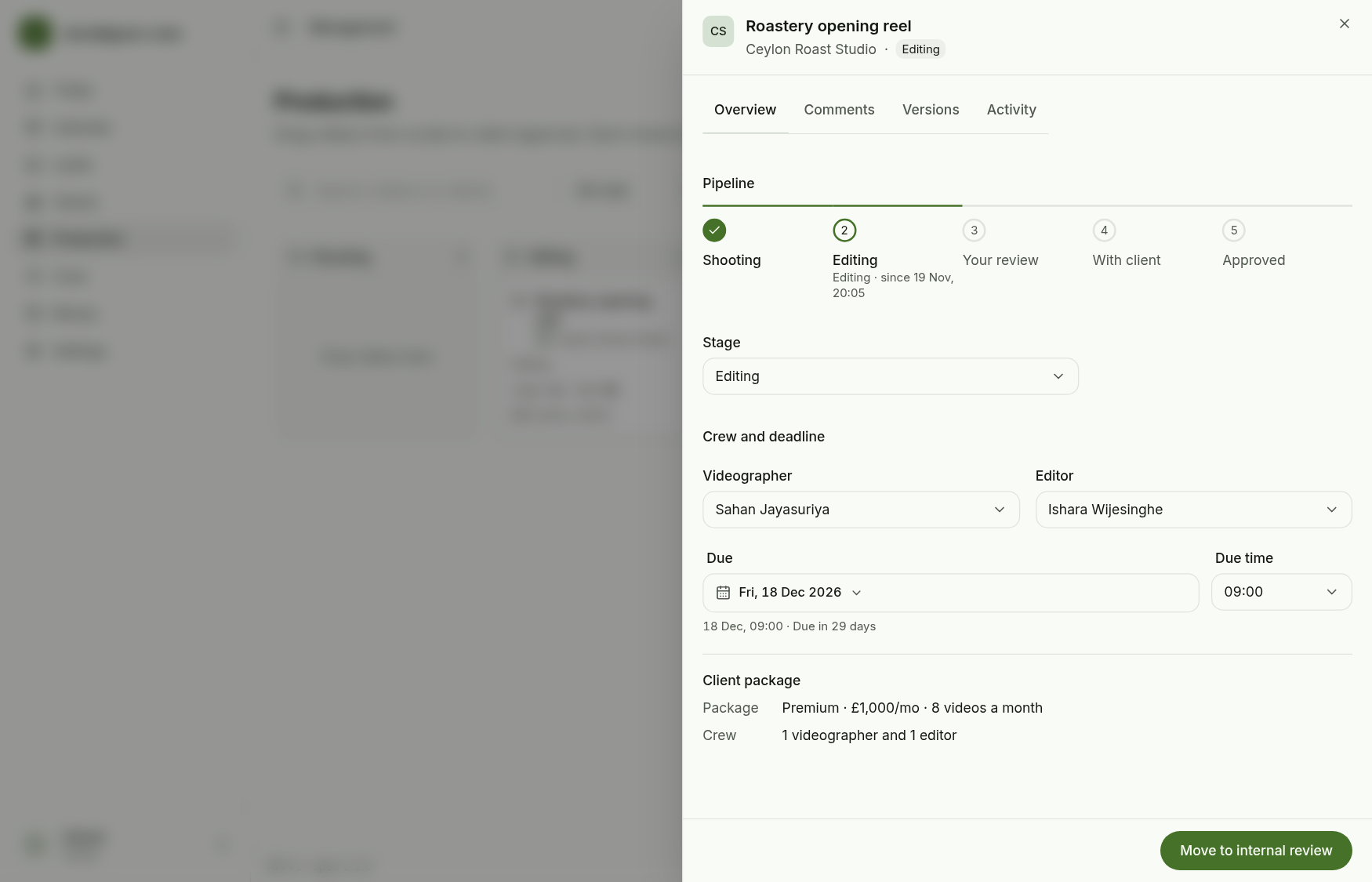
A video moves through a fixed pipeline: Script approved, Ready to shoot, Footage in, Editing, Internal review, Released, Client reviewing, Approved. The board groups those into five columns (Shooting, Editing, Your review, With client, Approved). A video moves one step at a time; the server refuses a jump.
Test record: the video Roastery opening reel for Ceylon Roast Studio.
1. Create the video
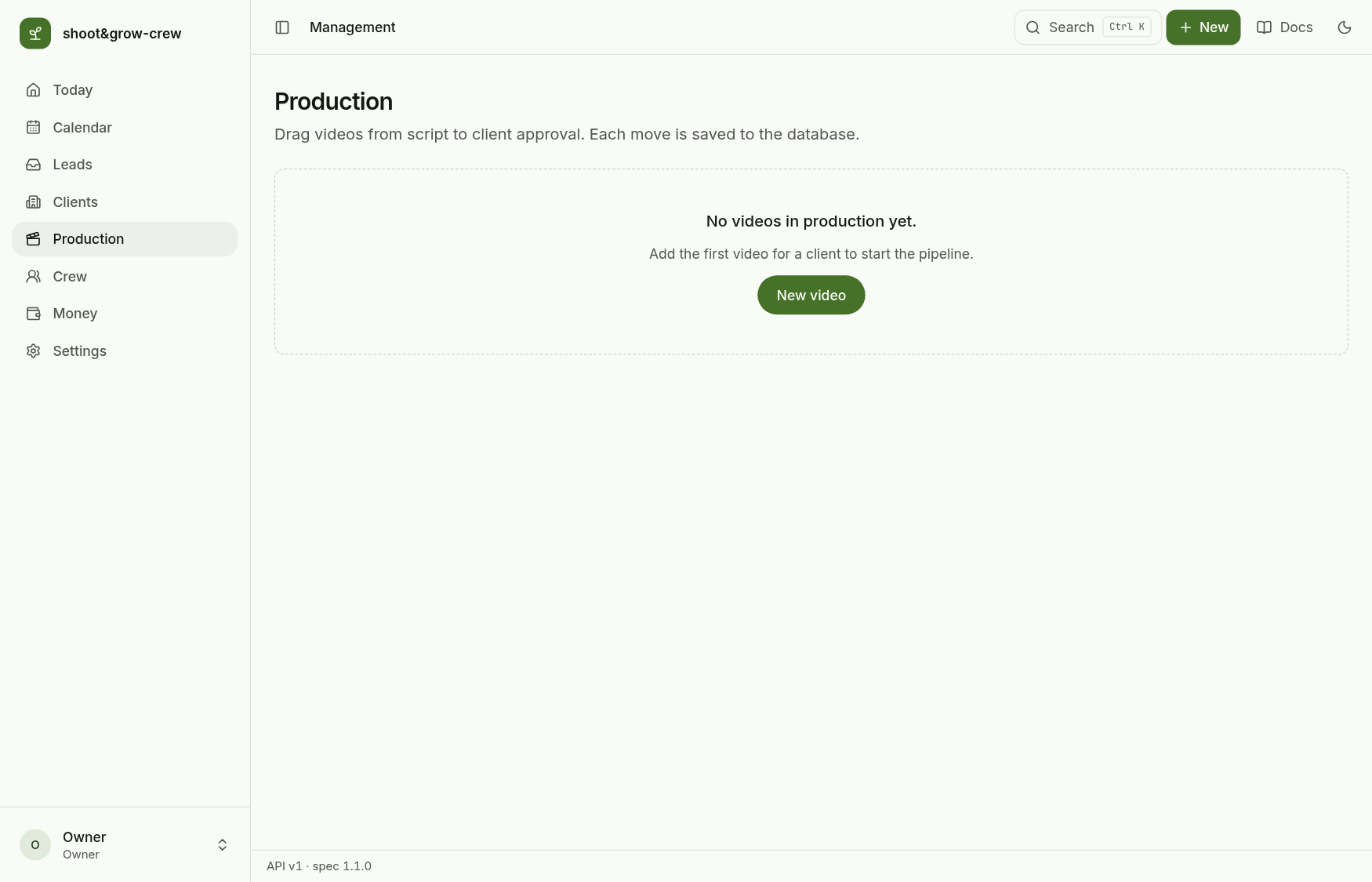
Production starts empty.
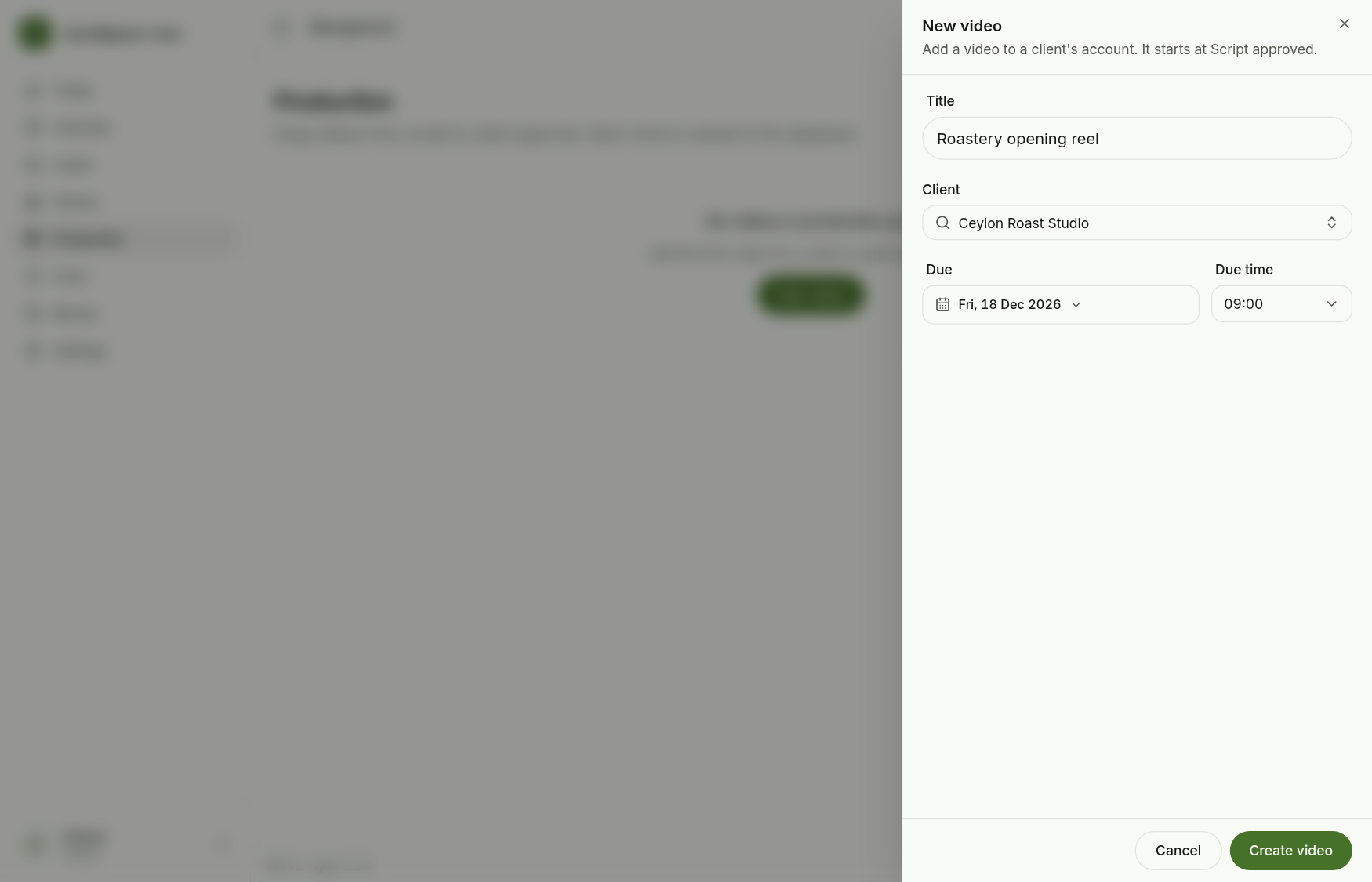
New video: a title, the client (active clients only) and when it is due. It starts at Script approved with the client's videographer and editor.
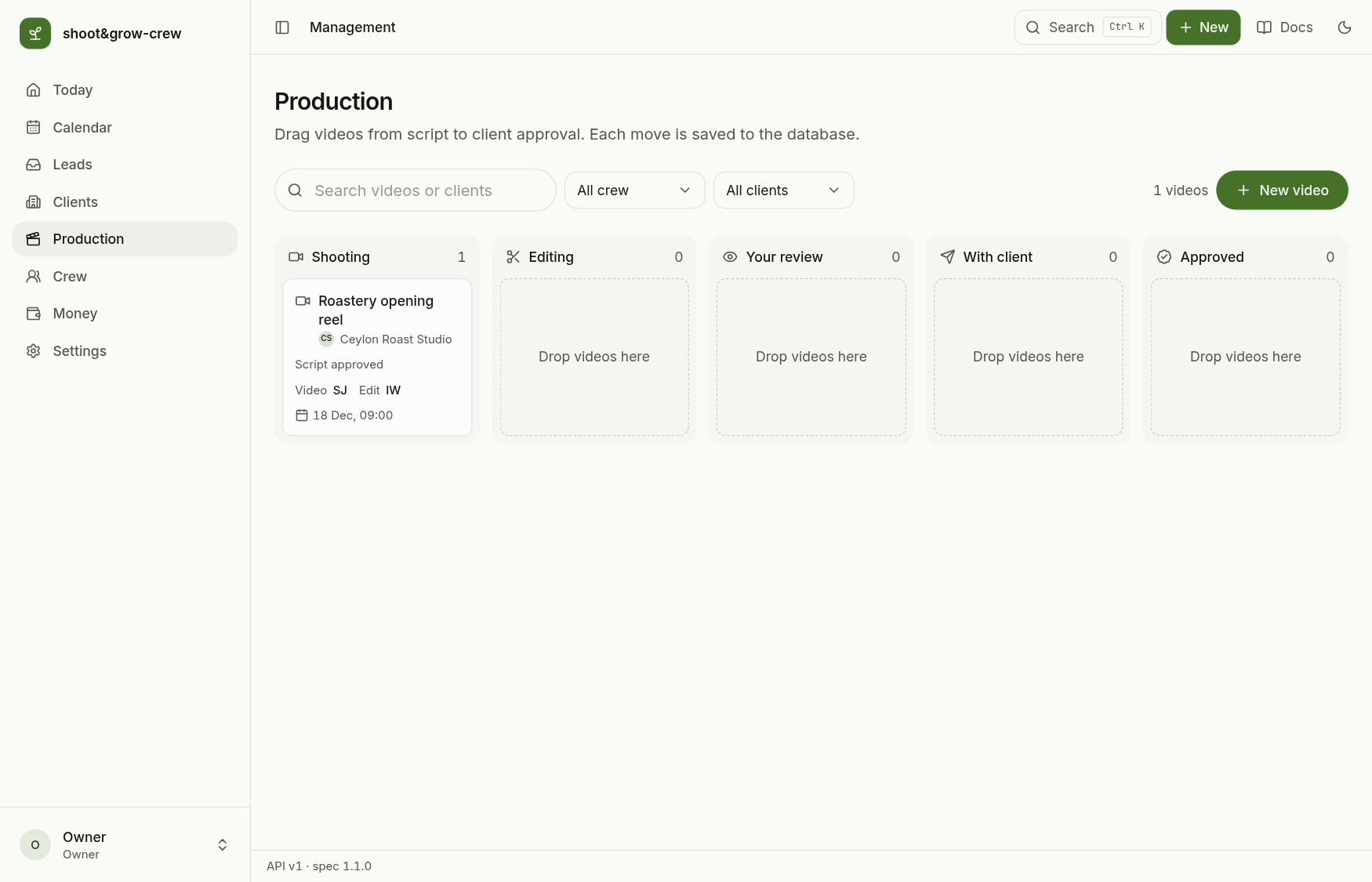
The card appears in Shooting with its crew and due date.
2. Open the video
The sheet shows the pipeline, the stage, the crew and the due date, and the client's package. Tabs hold comments, file versions and the activity log.
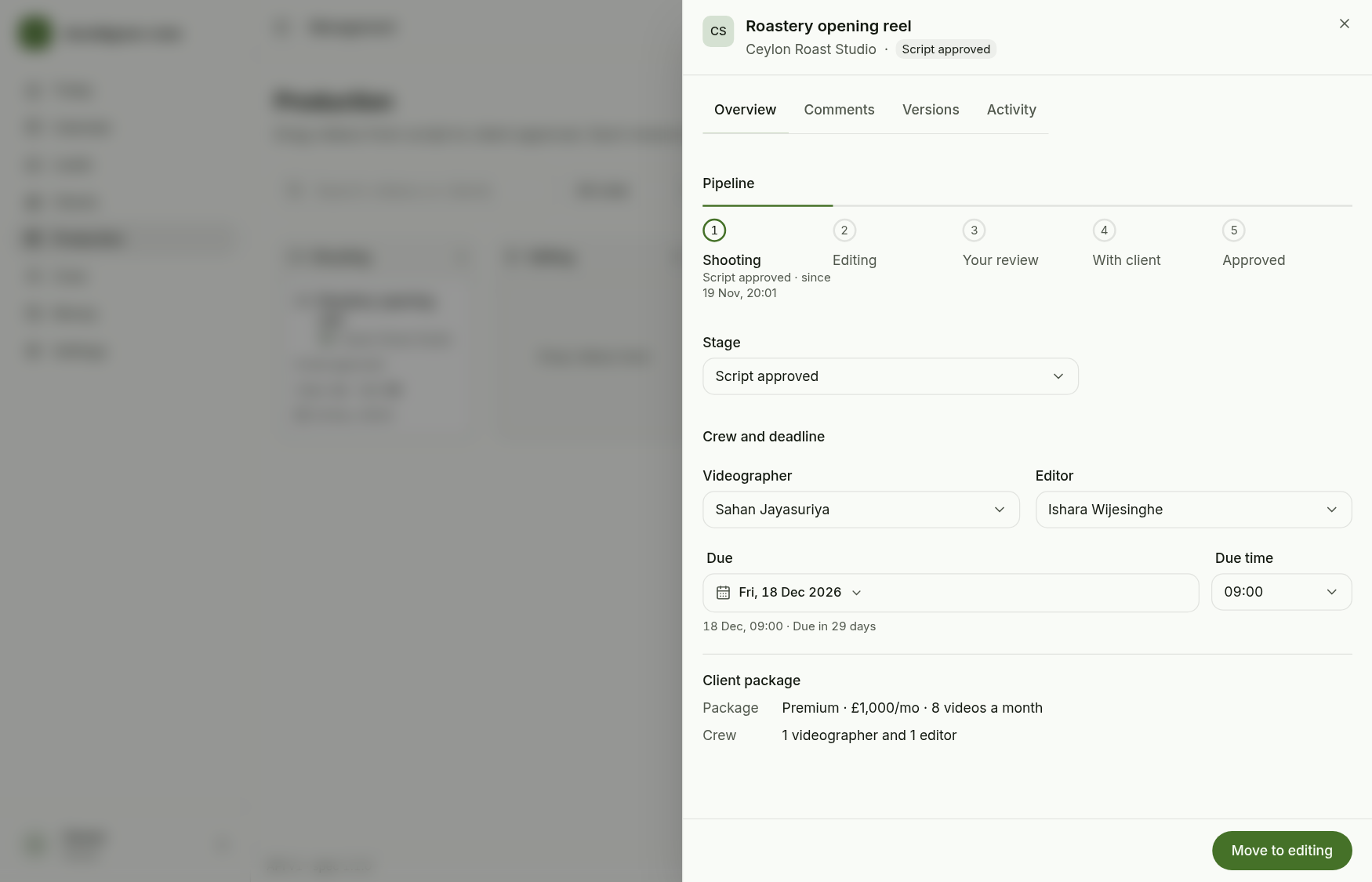
The button at the bottom always names the next allowed stage. Use it, or the Stage menu (which lists only the current stage and the allowed next ones), or drag the card to the next column. Dragging two columns ahead is refused with the next stage named.
3. Comments and versions
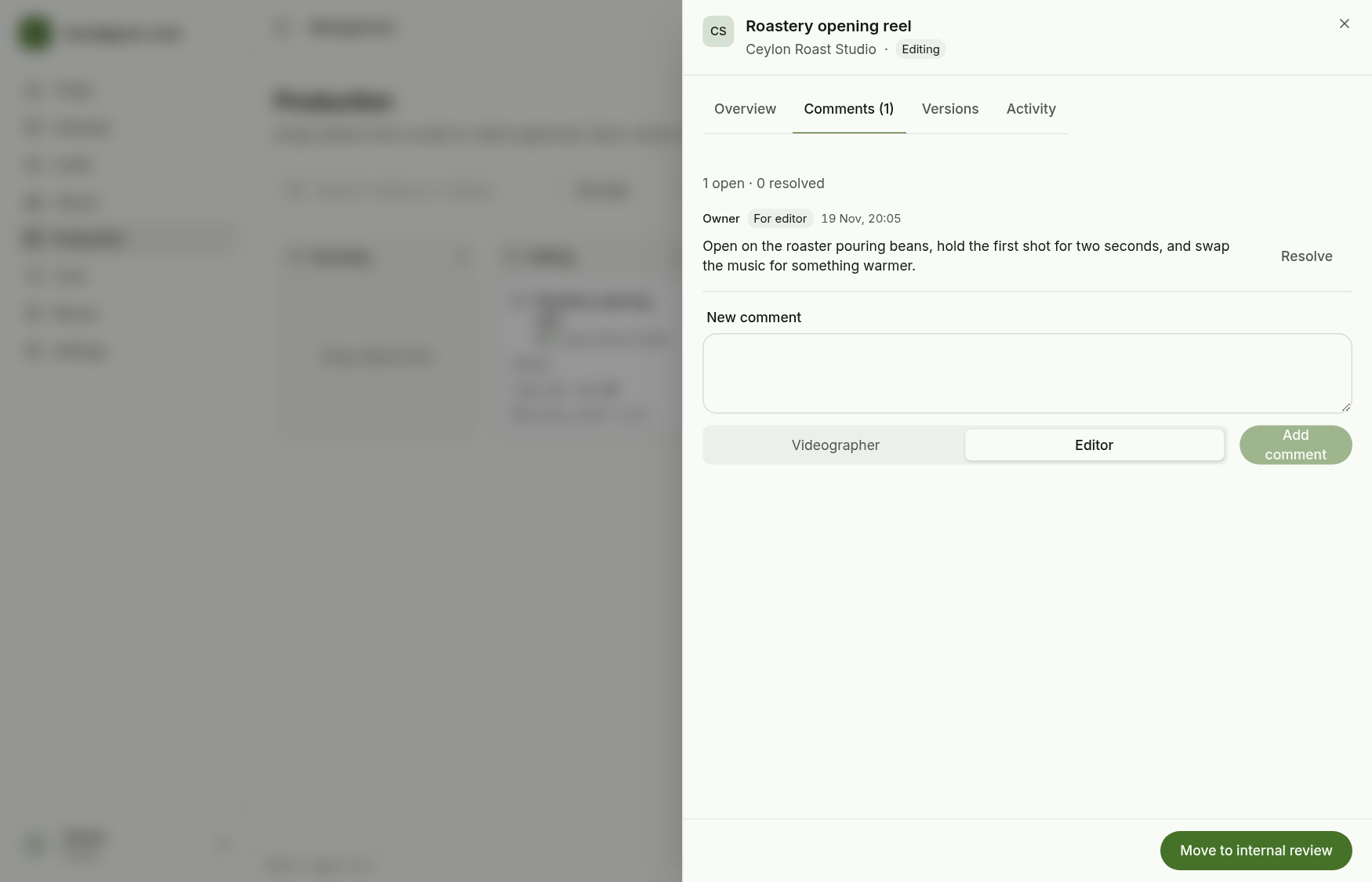
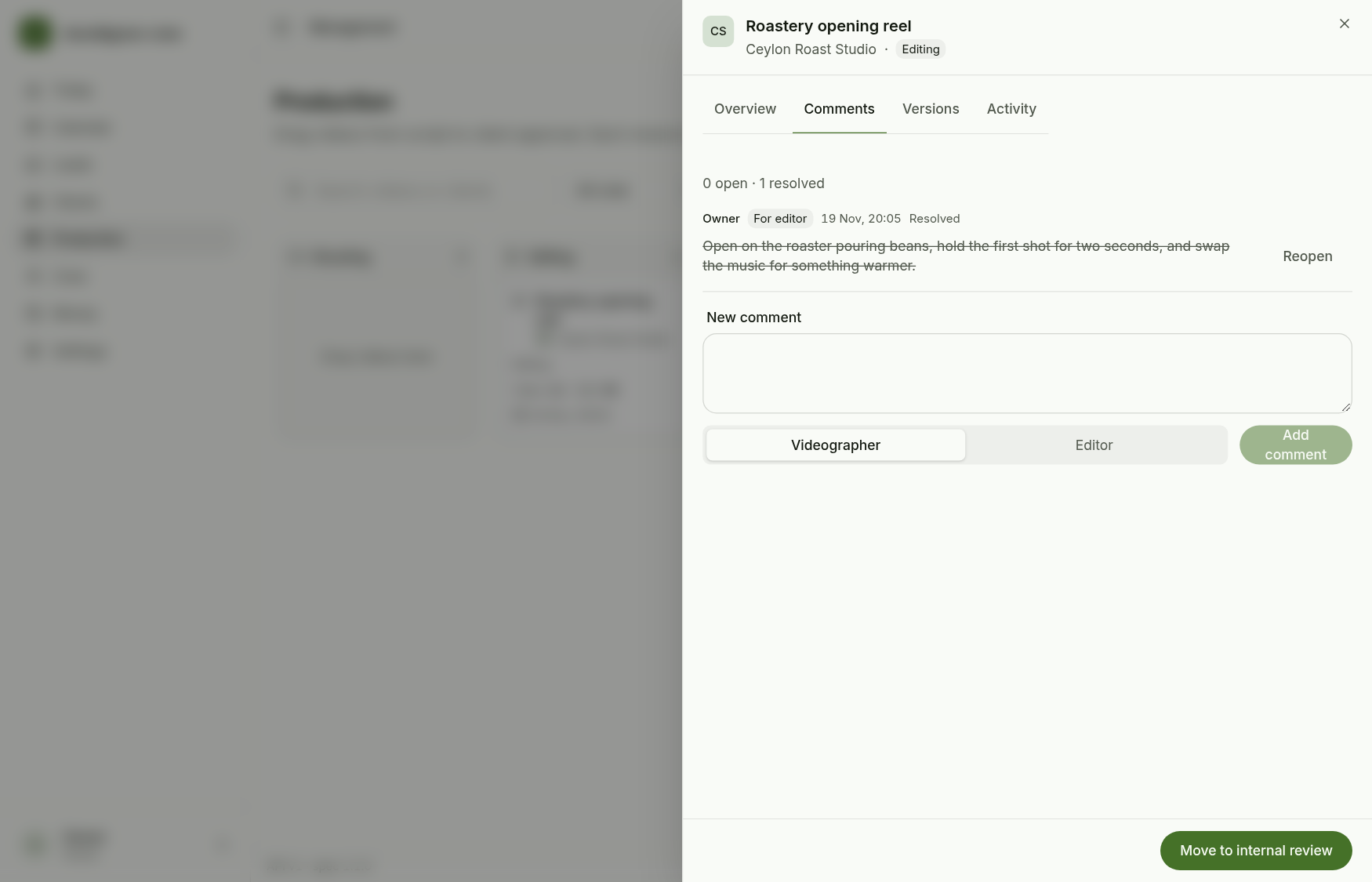
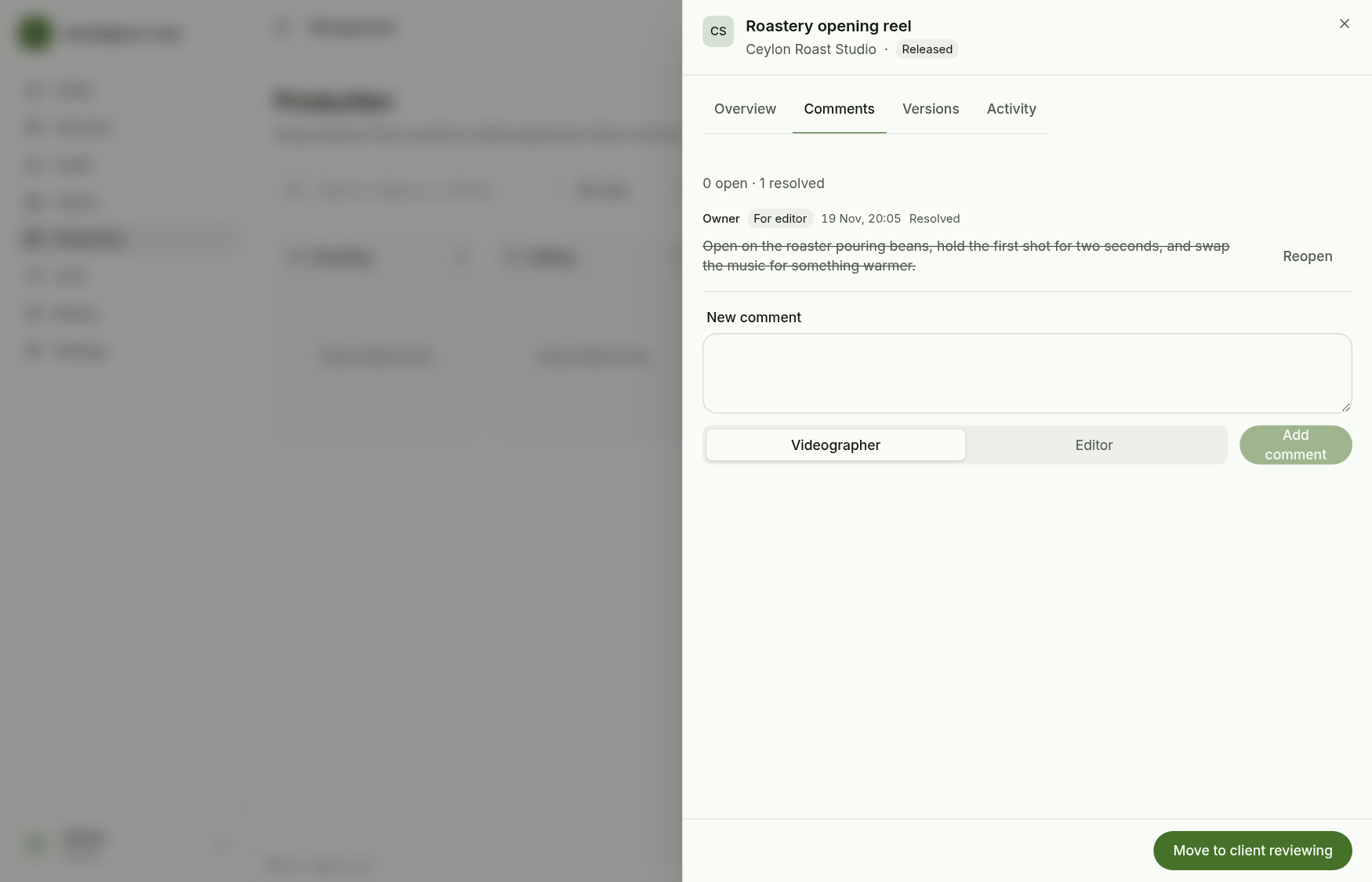
Comments records feedback for the videographer or the editor; Resolve closes one and Reopen brings it back. Open comments are counted on the card and on the sheet tab.
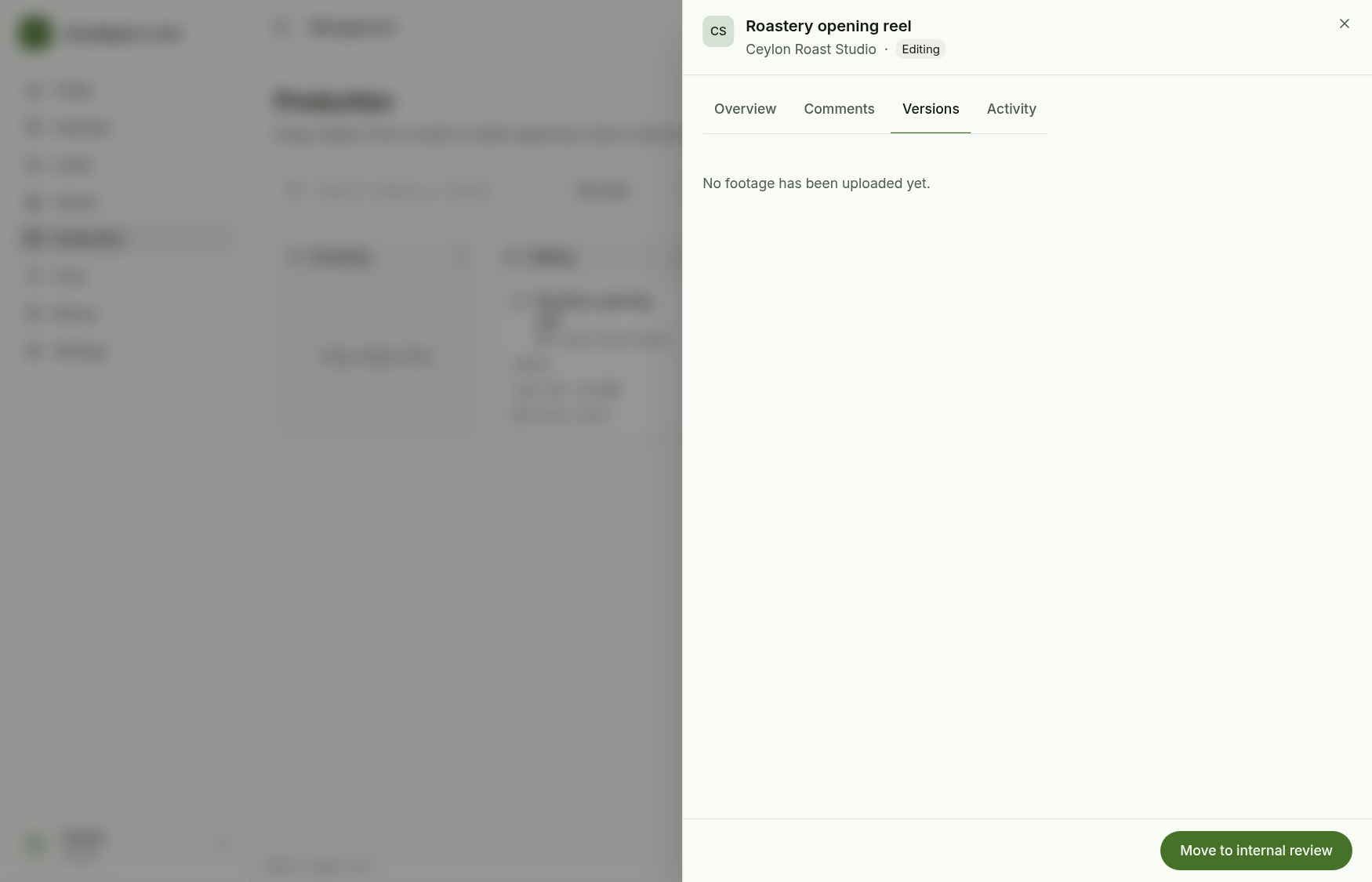
Versions lists the files crew upload. The owner app only reads this list: it is empty until footage is uploaded.
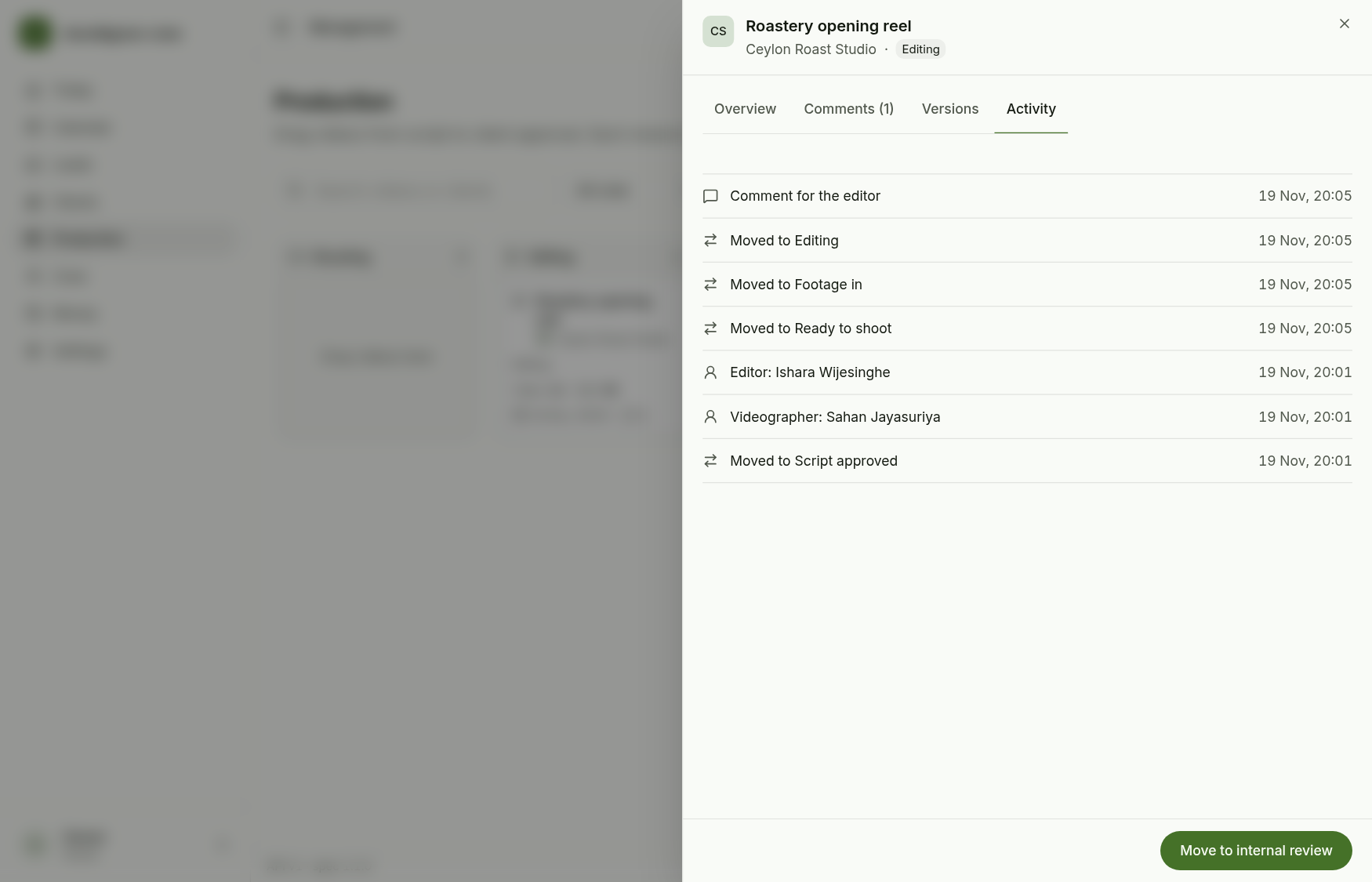
Activity logs every stage move, assignment, comment and due date change.
4. Review, release and approval
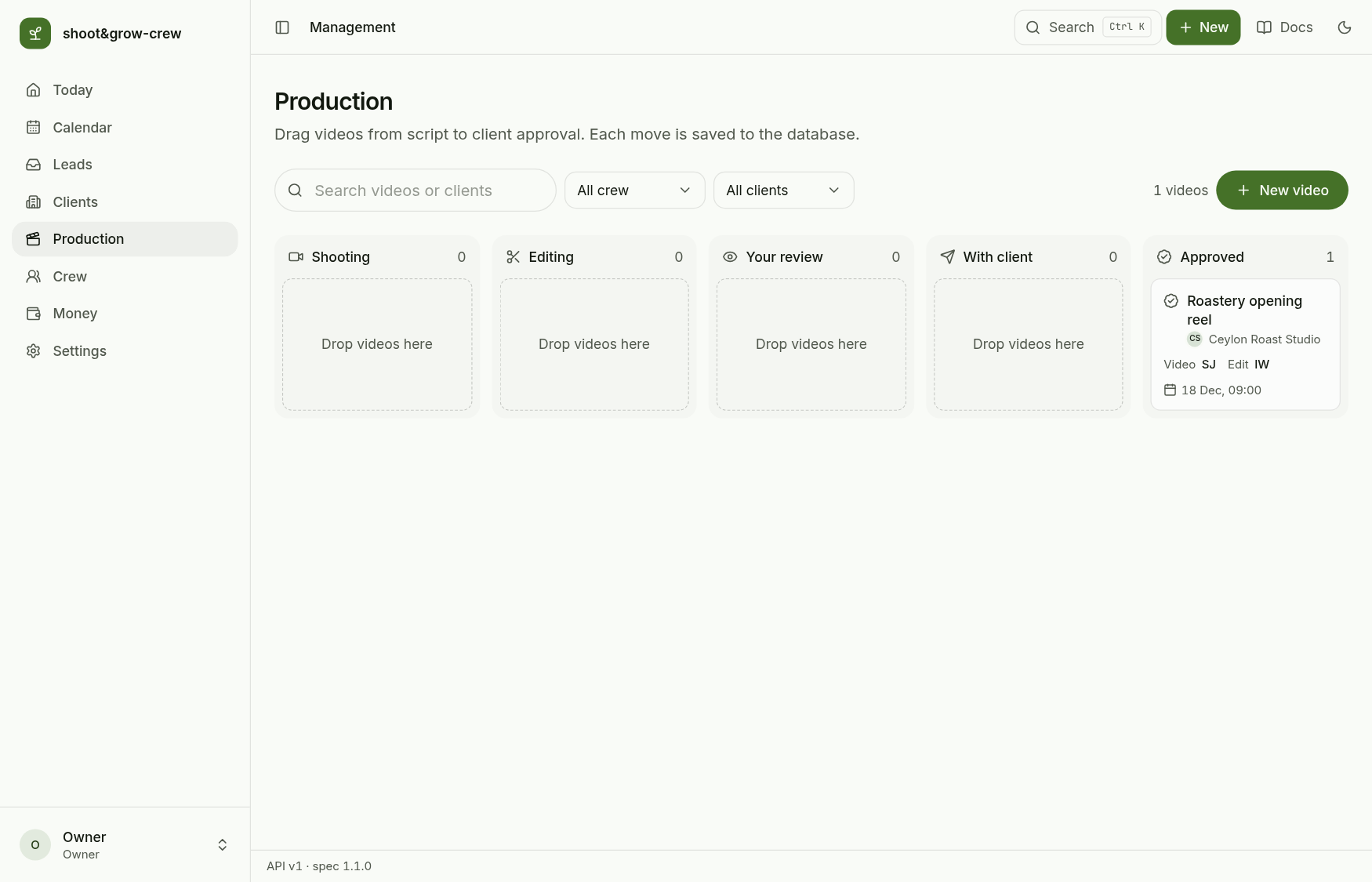
Keep moving with the bottom button: Internal review (your review), Released, Client reviewing, Approved. Released and Client reviewing sit in the With client column.
An approved video is final.
The pipeline rules live in
apps/docs/spec/production.md. From Editing a video can go to Internal review or back to Ready to shoot; from Client reviewing it goes to Approved or to Awaiting changes, which returns it to Internal review.
Next: Money in and out.