Appearance
Money in and out
Money has two sides: invoices and payments from clients, and pay runs for the crew. Figures for the chosen period (this fortnight, last fortnight, month or all) sit at the top.
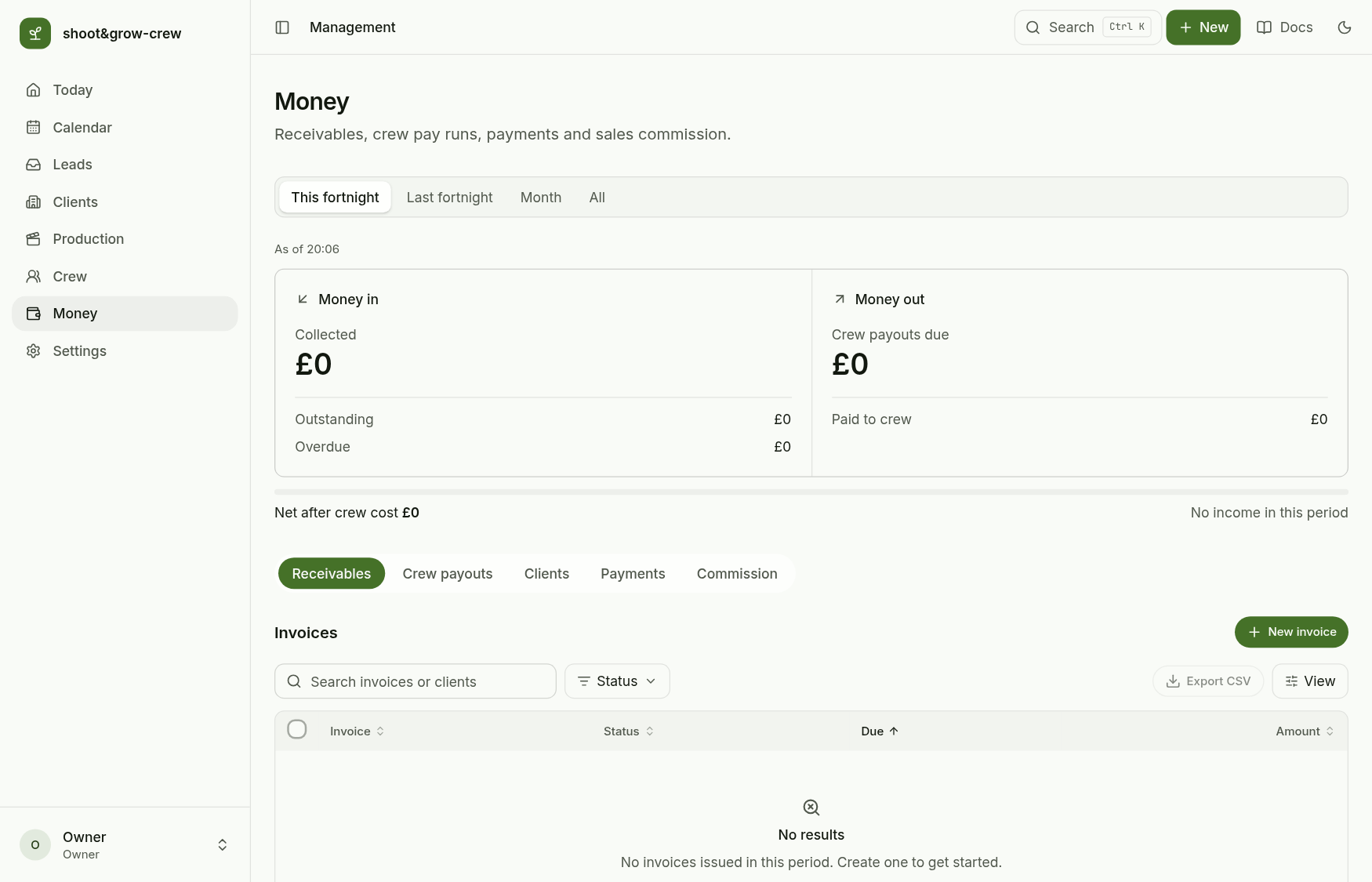
1. Invoice a client
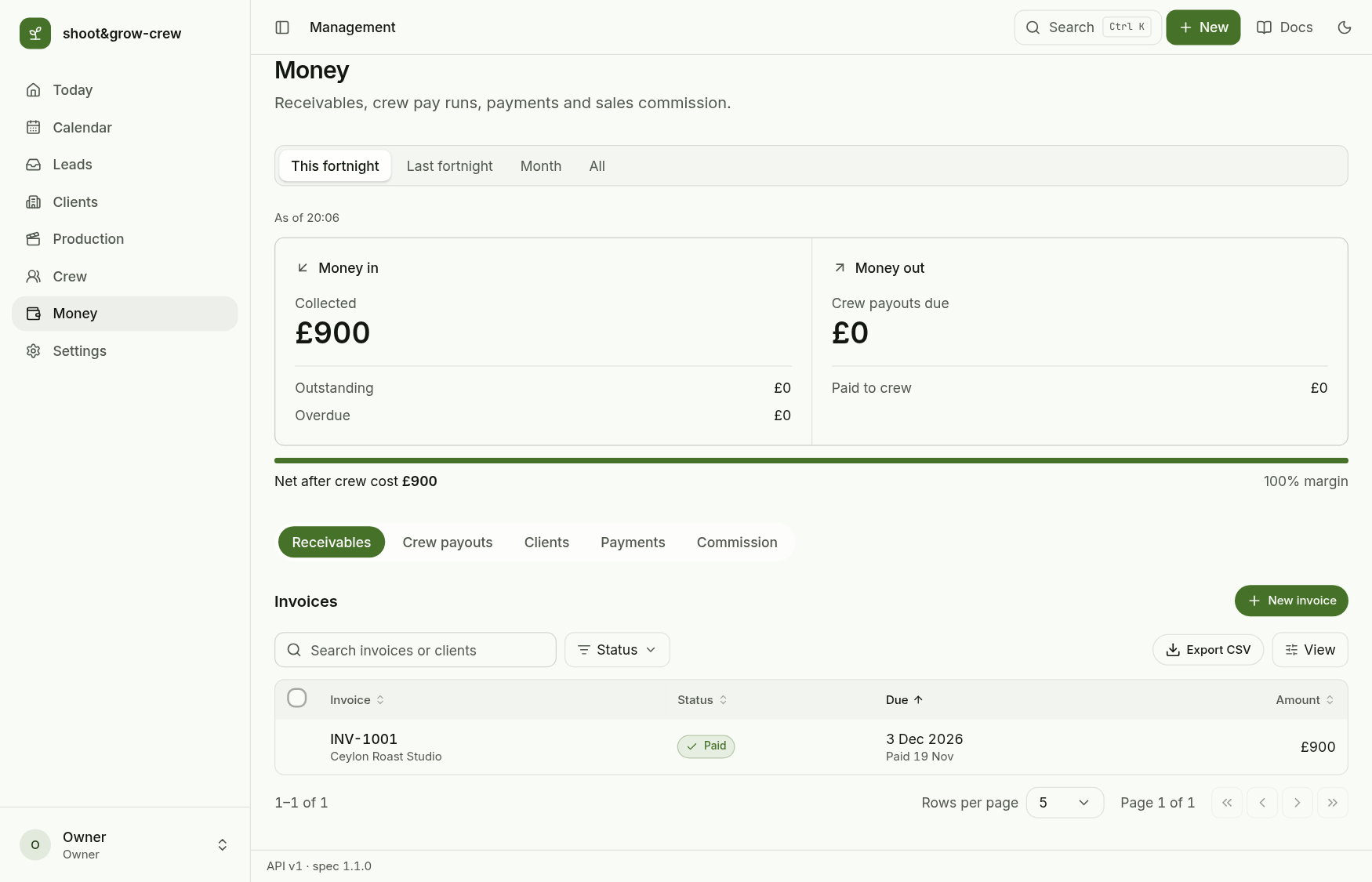
Receivables, New invoice: the client, a due date (14 days out by default) and one or more lines. Save as draft keeps it for later; Create and send issues it with the next number.
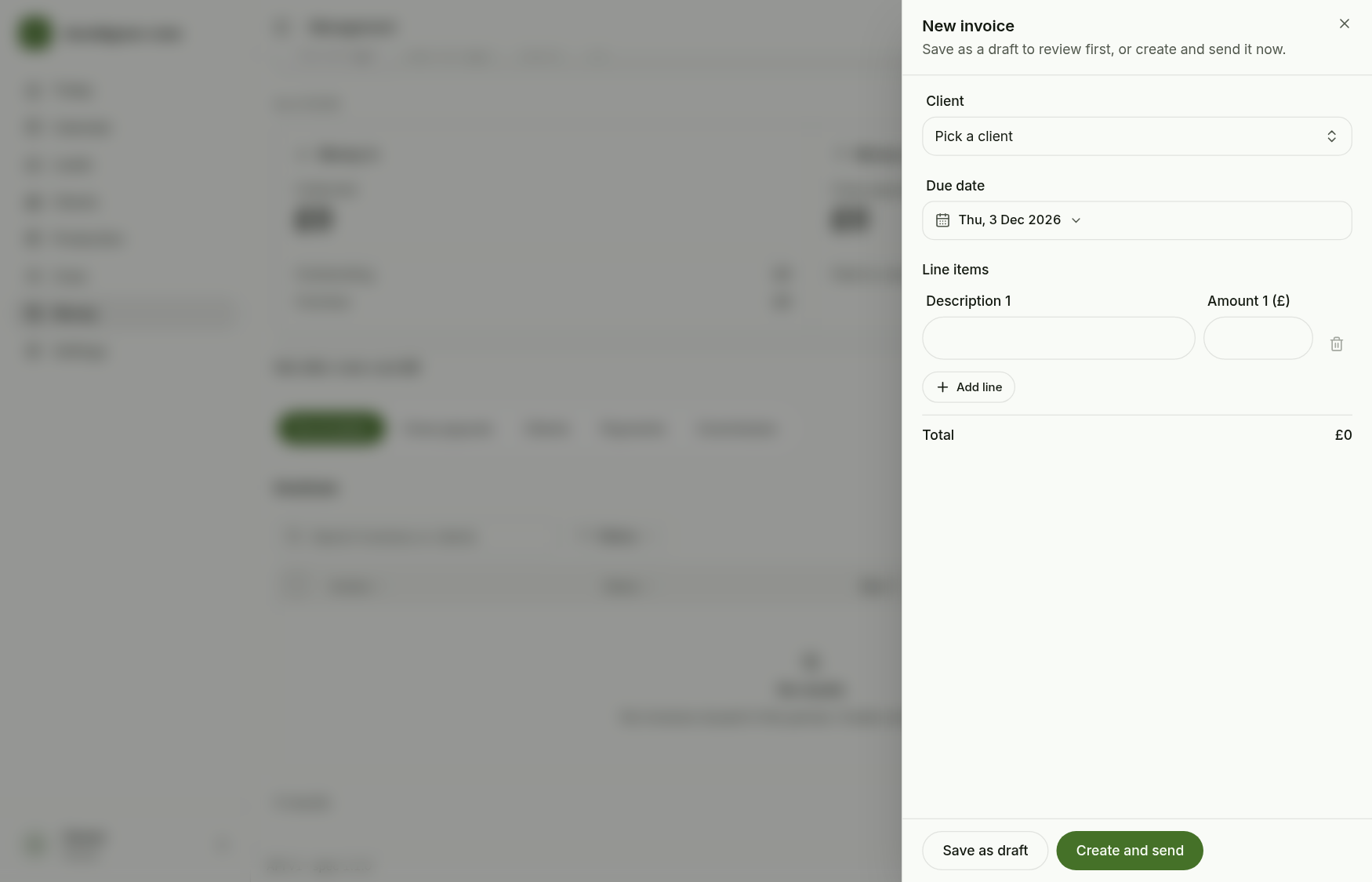
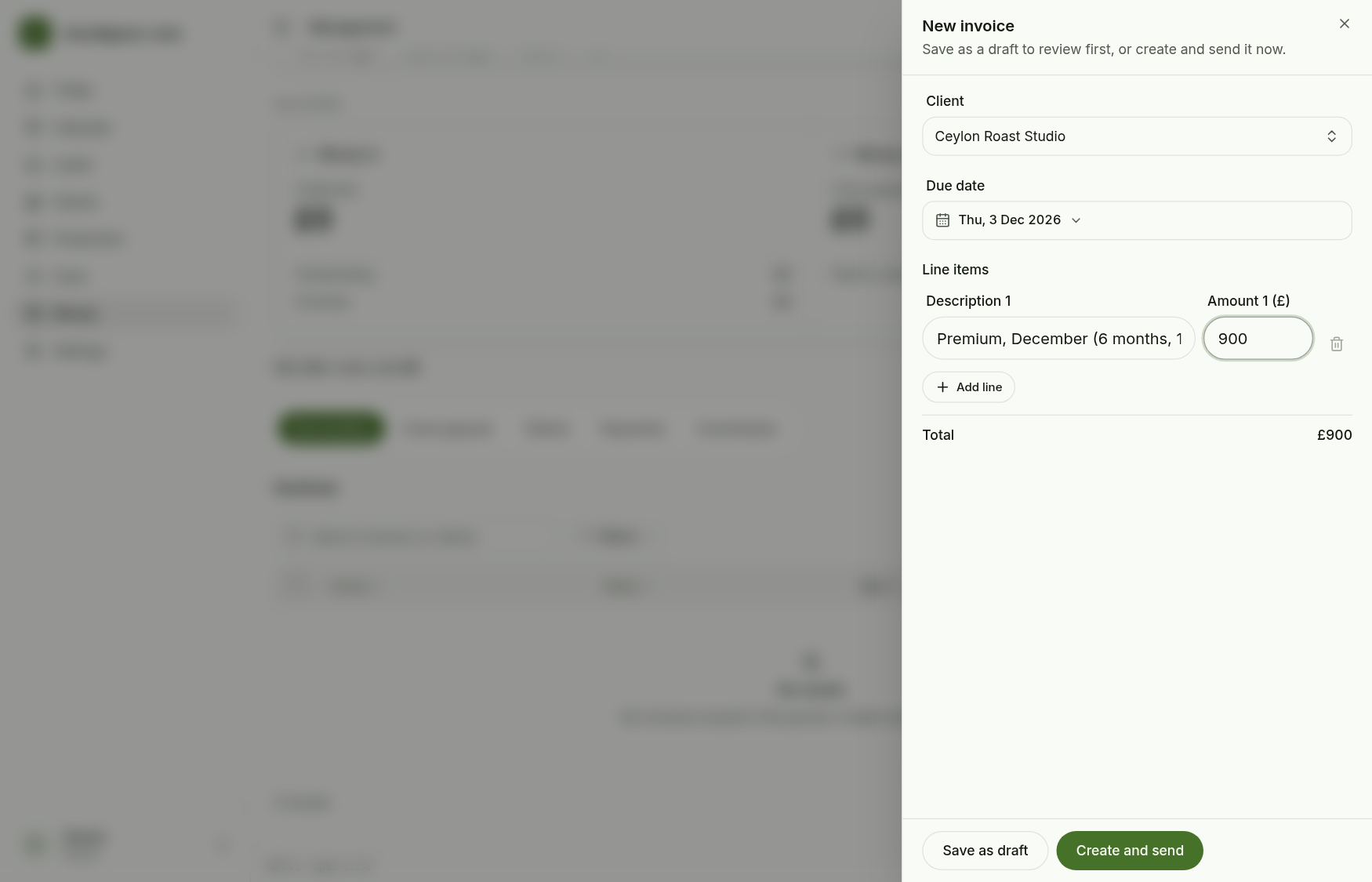
If sending fails after the draft was saved, the draft is kept and you are told, so a retry does not make a second one.
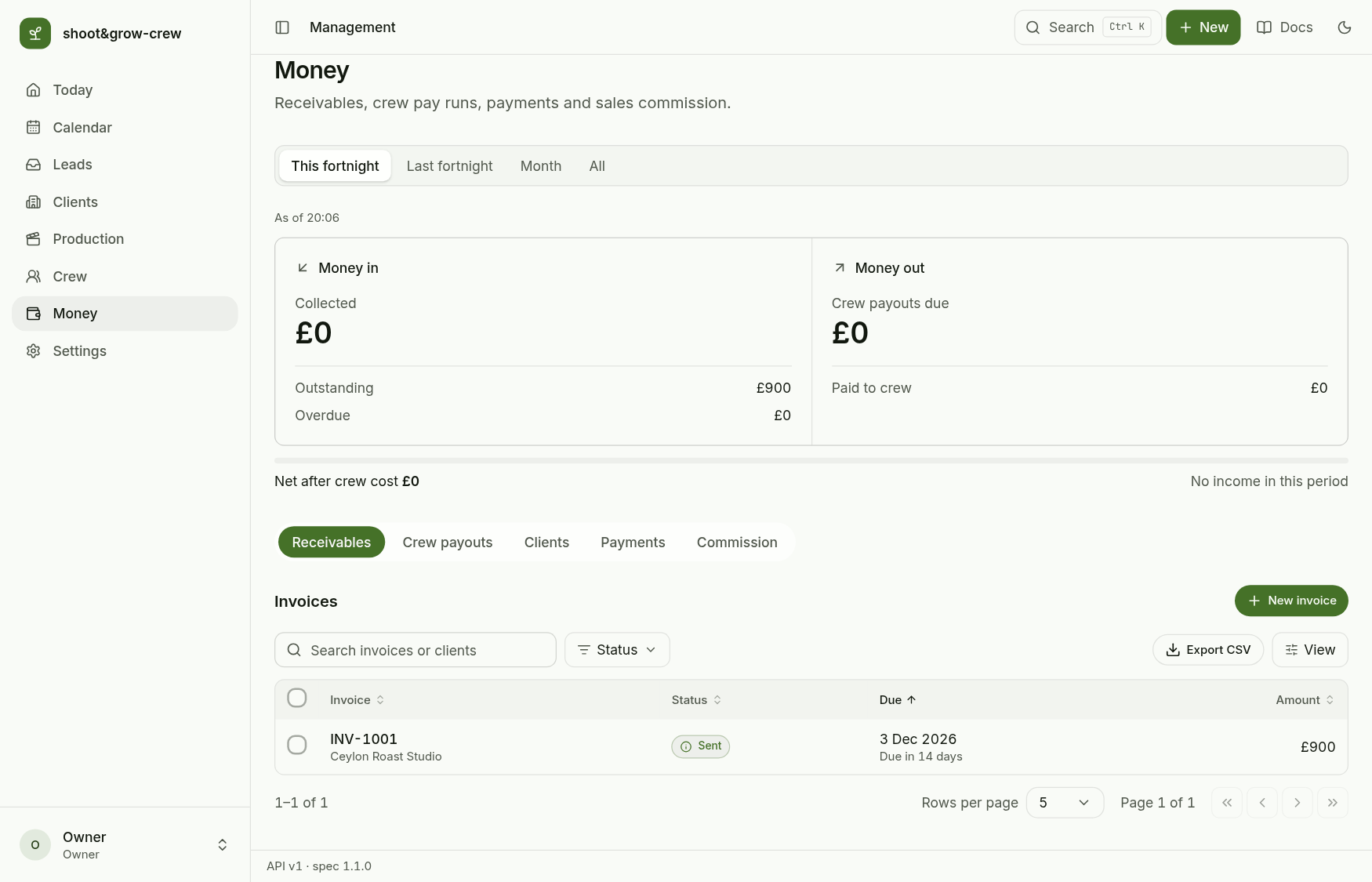
2. Record the payment
Open the invoice for its lines and timeline. Mark paid records the full outstanding amount; Send reminder and Void invoice sit beside it. To pay several at once, tick the invoices: Mark paid and Send reminder ask you to confirm the count and the total first.
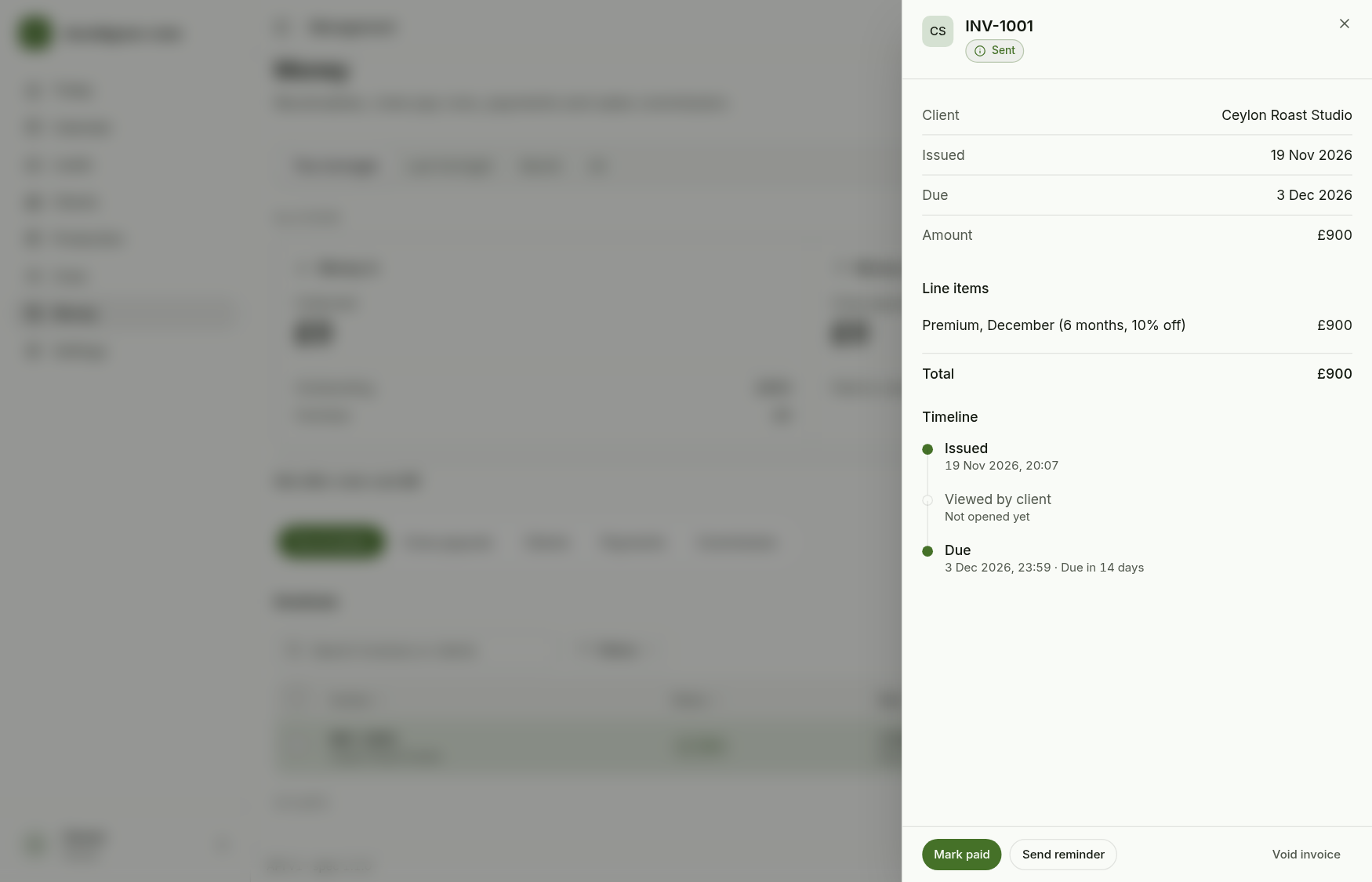
Collected, outstanding and overdue update at once.
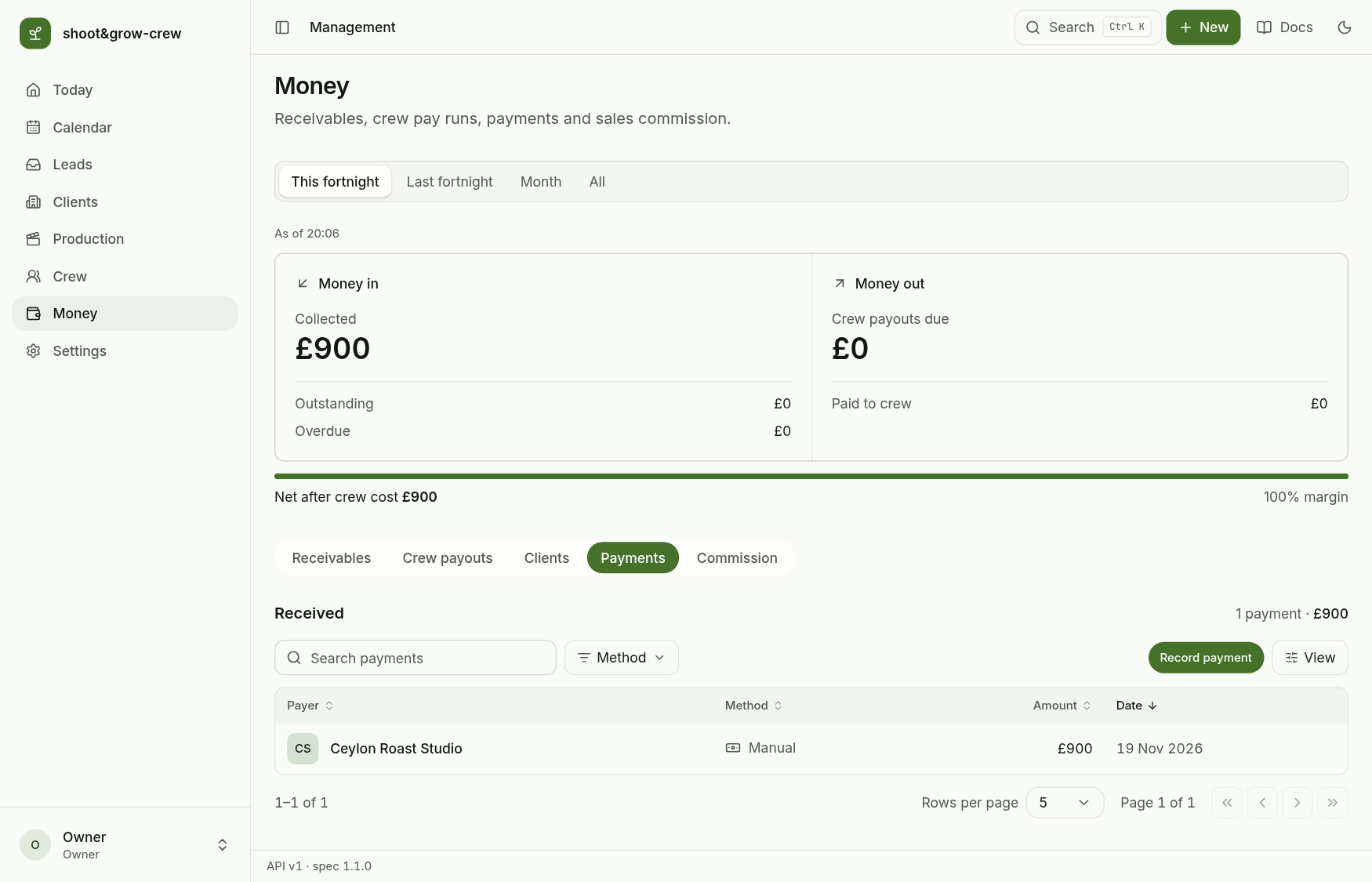
Payments lists every payment received, and Record payment adds one that has no invoice.
Two payments recorded at the same moment cannot lose one, and a payment above what is outstanding is refused.
3. Pay the crew
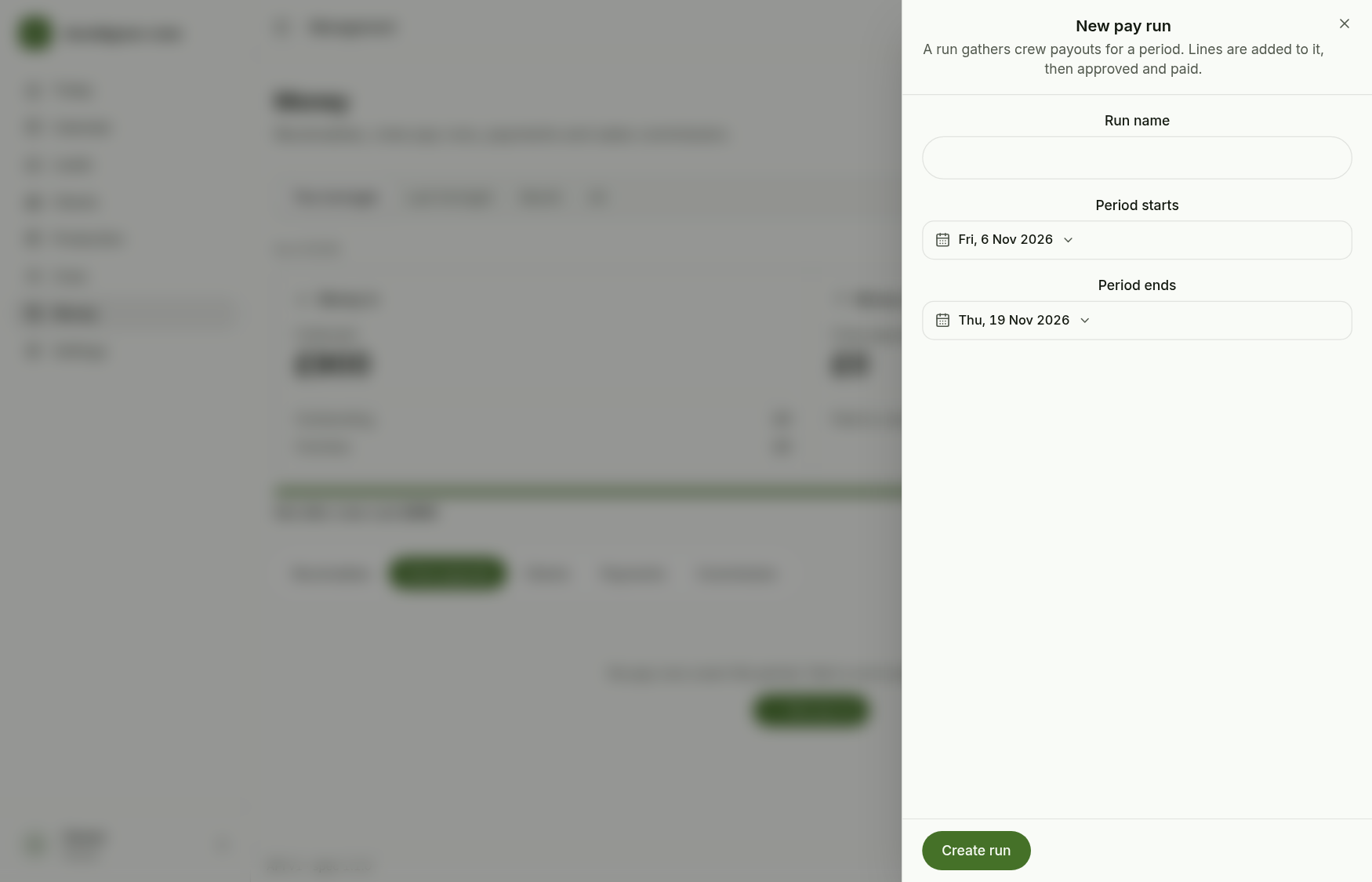
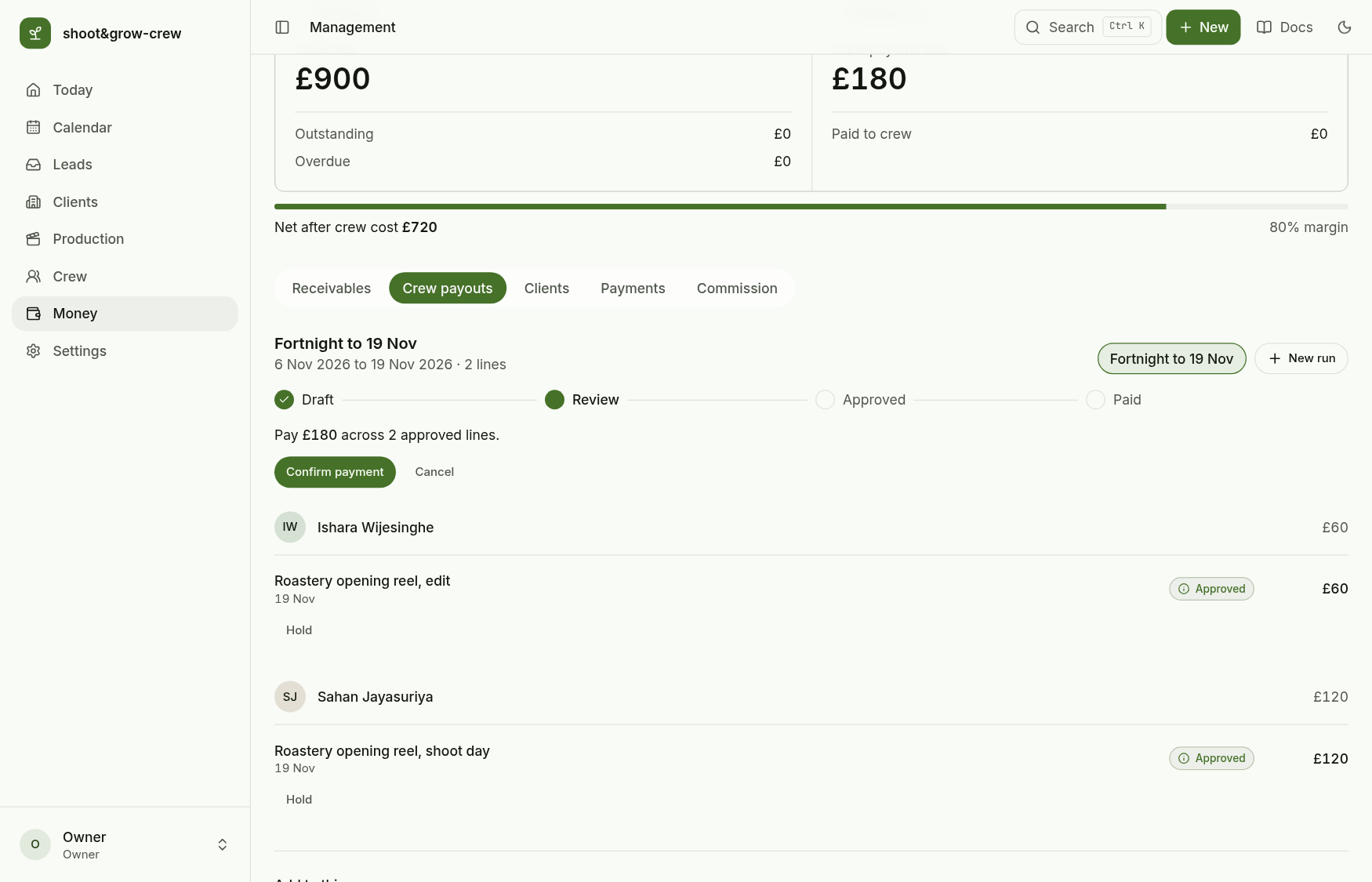
Crew payouts, New pay run: a name and the period. A run goes Draft, Review, Approved, Paid.
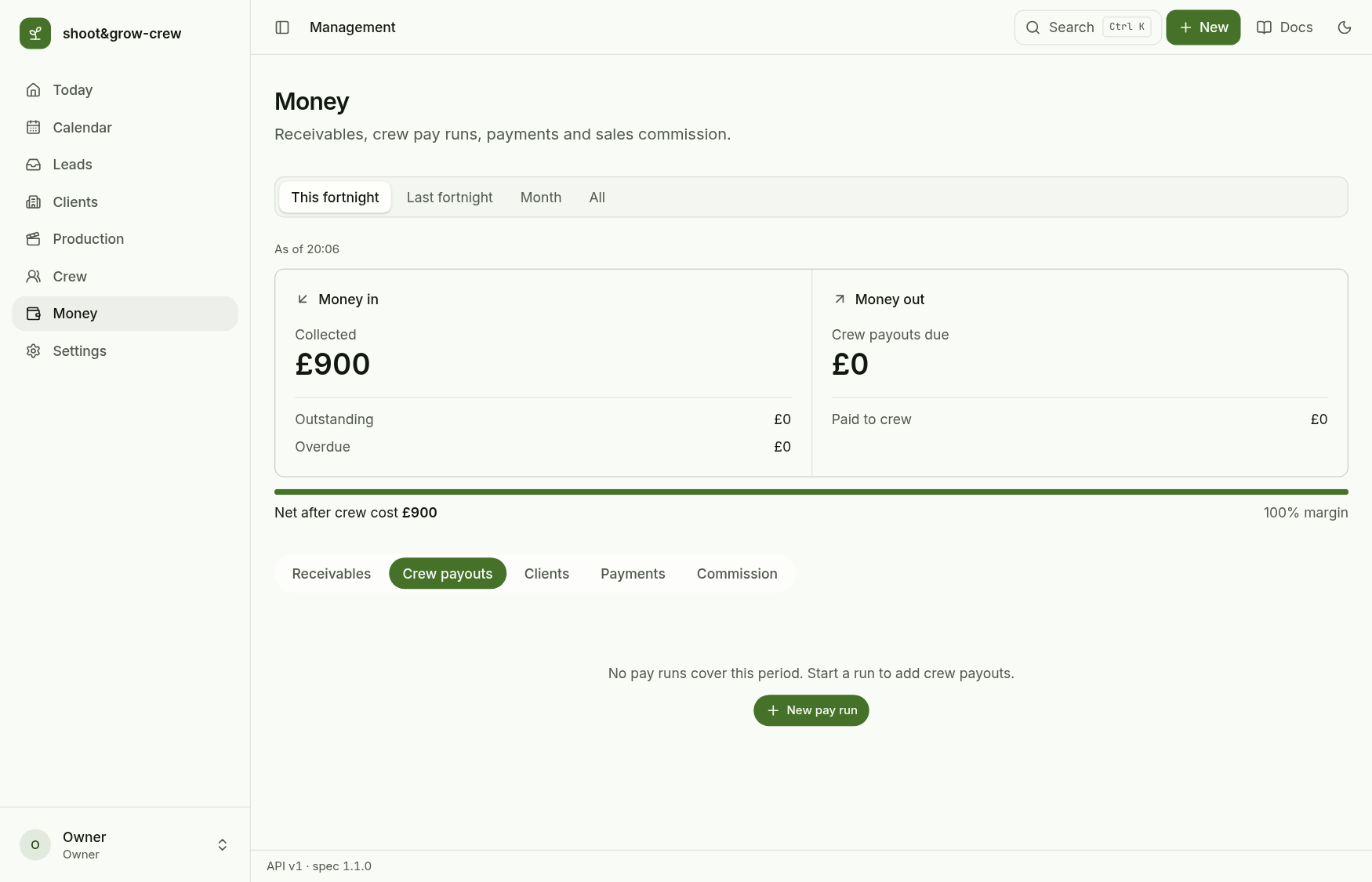
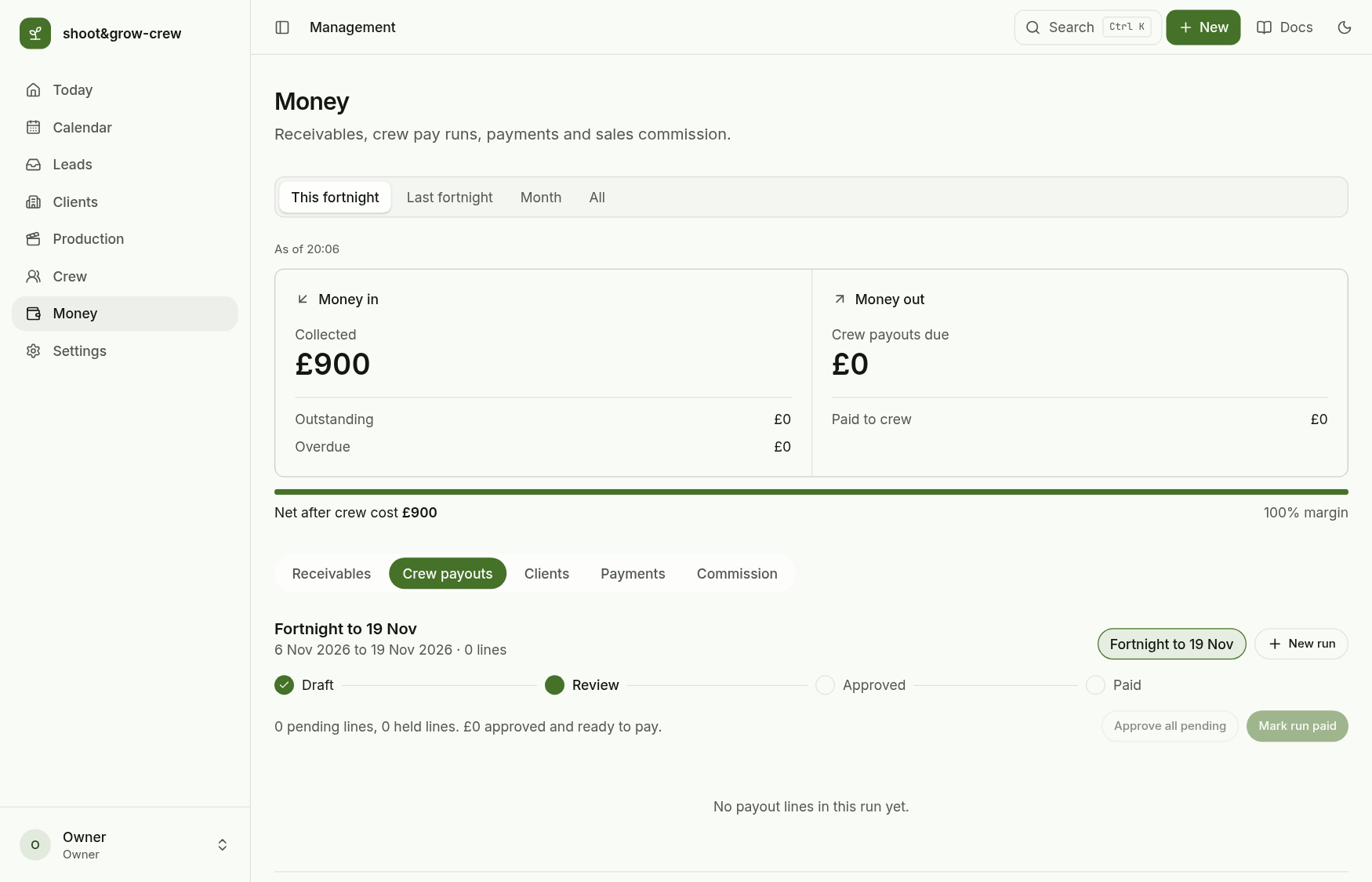
Add a line for each person: who, what for and the amount. Pay lines are entered by hand; the app does not yet work them out from finished videos. Add adjustment adds or deducts with a reason.
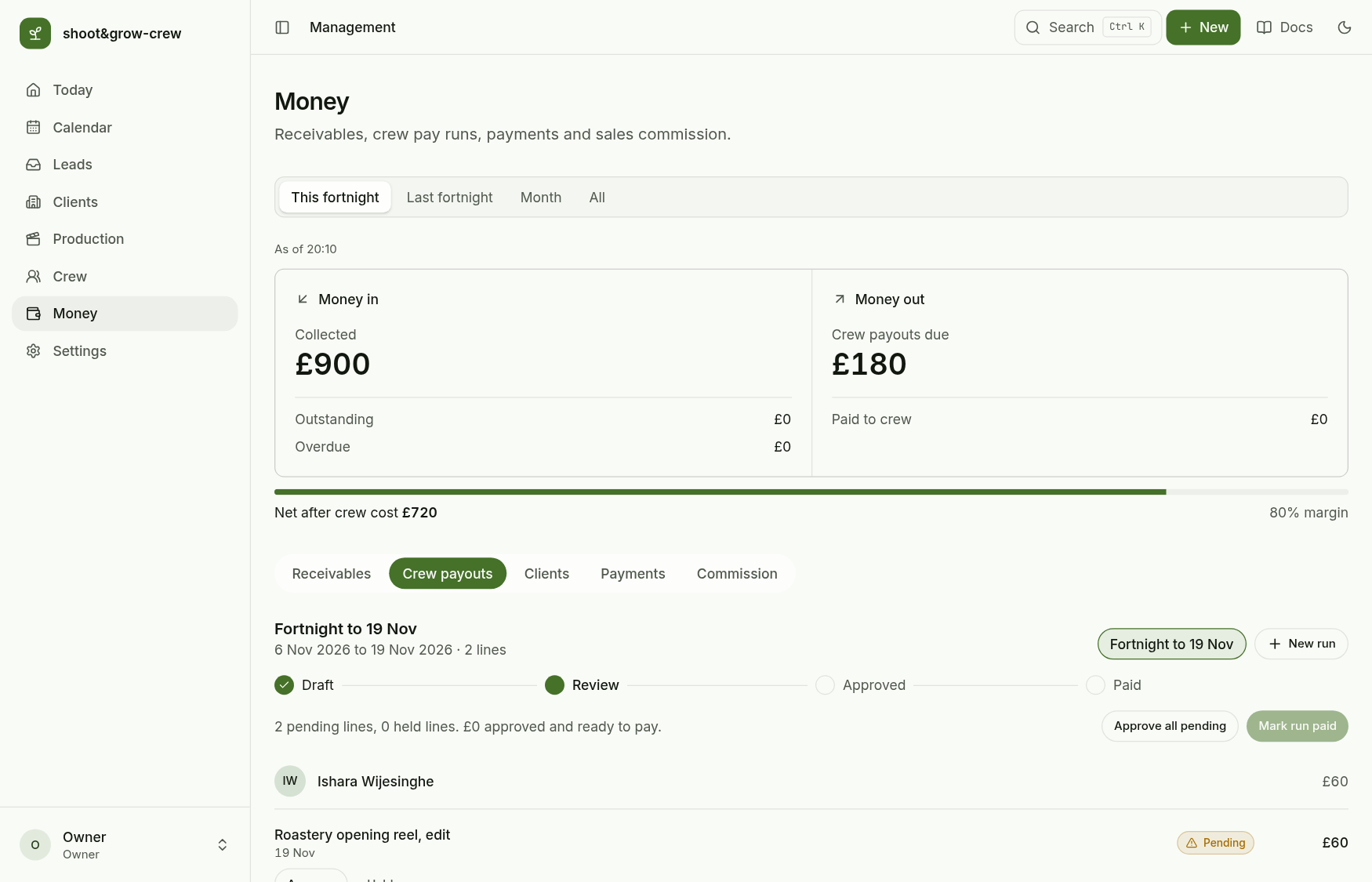
Approve each line (or Approve all pending); Hold keeps one out of the run.
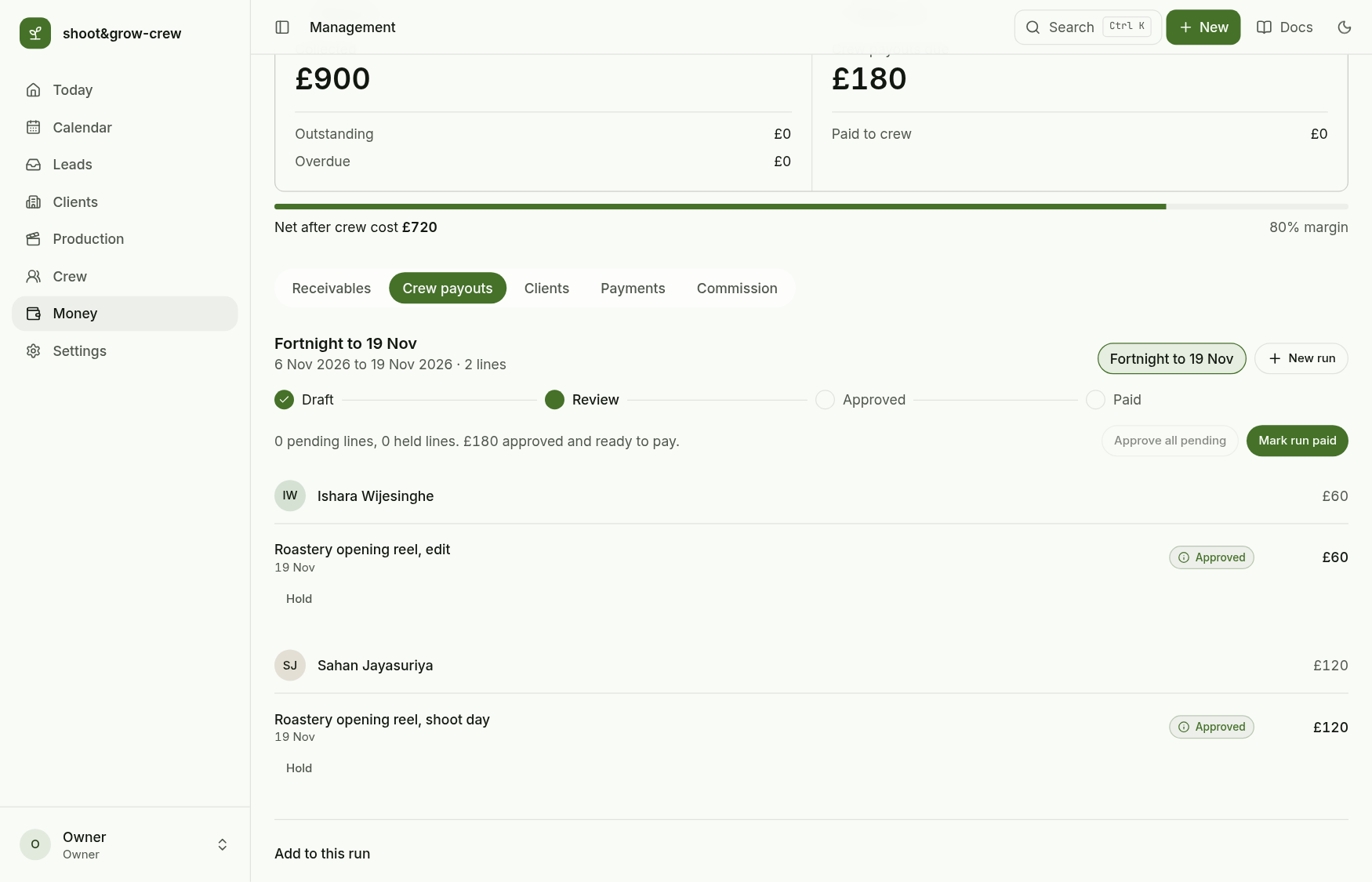
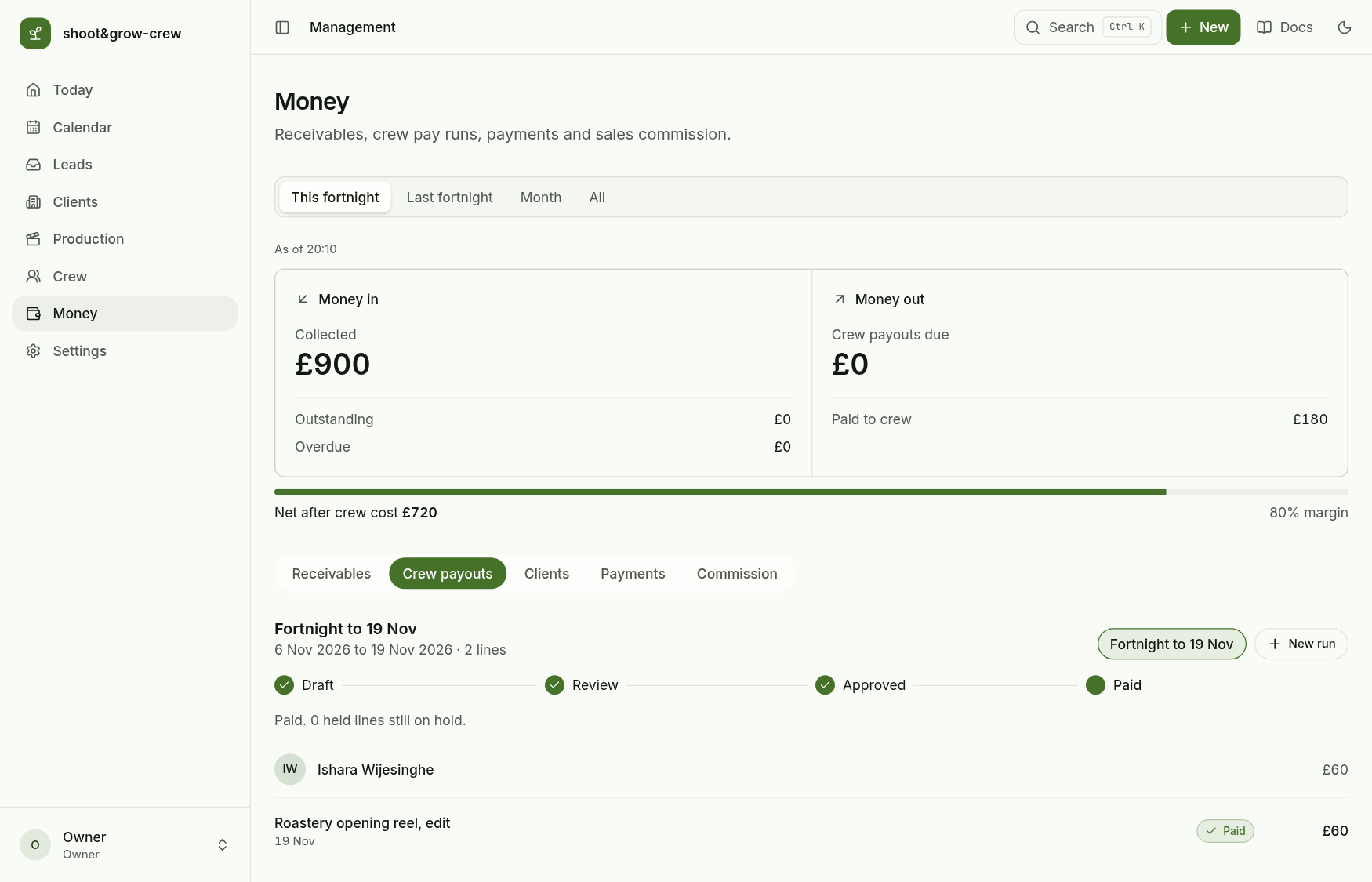
Mark run paid asks you to confirm the total, then pays every approved line. A run cannot be paid while a line is still pending.
Paid to crew and the net after crew cost update.
Next: Client lifecycle.