Appearance
Client lifecycle
Everything that can happen to a client after it starts: pause, resume, change package, renew, end and reactivate. The actions are on the client header and the Contract tab. Test client: Carnage.
Pause and resume
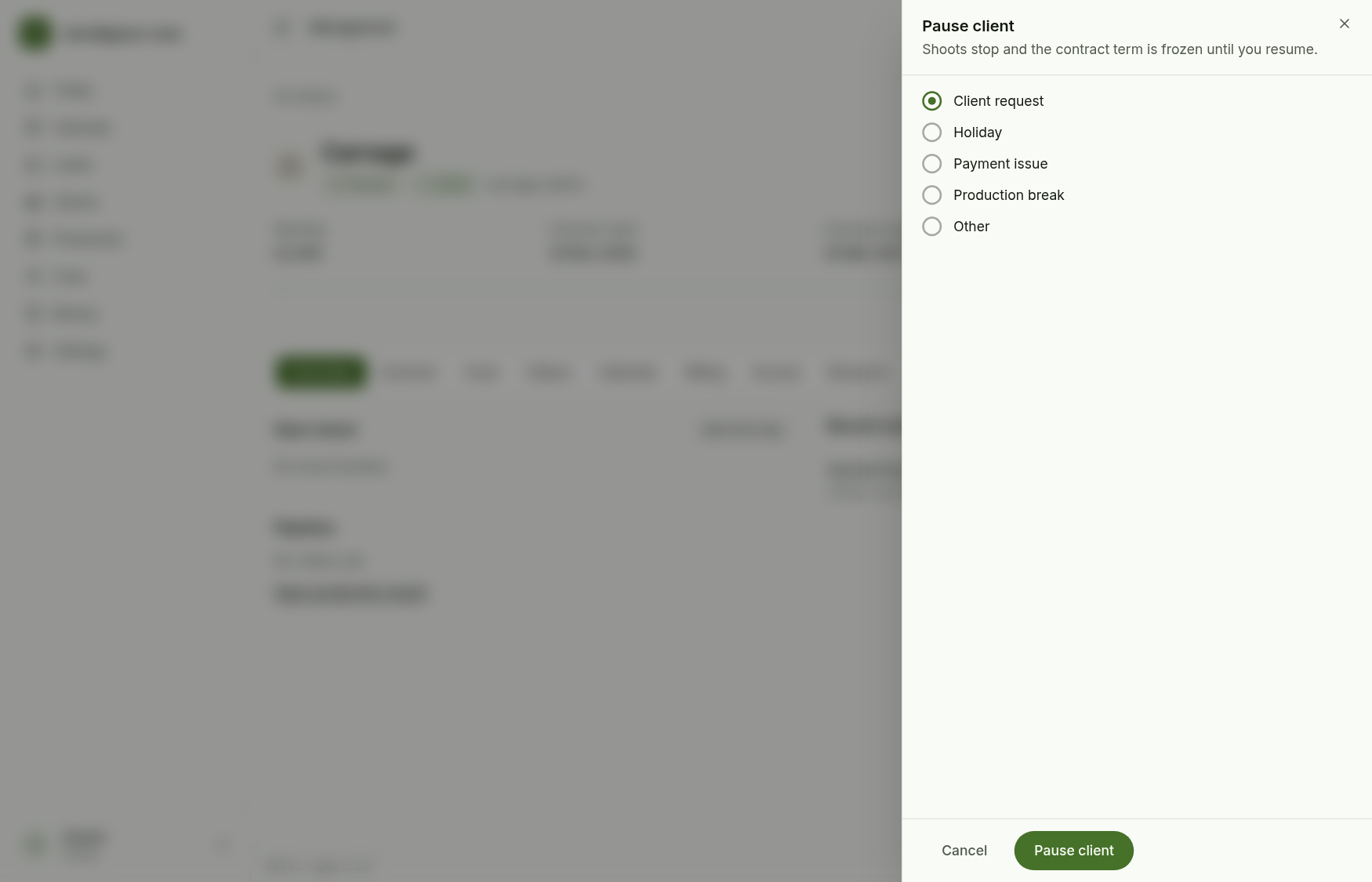
Pause asks for a reason. While paused, shoots are on hold and the contract term is frozen, so the end date moves out by the days paused. Seats are kept. Renew is disabled while paused (it says Resume to renew).
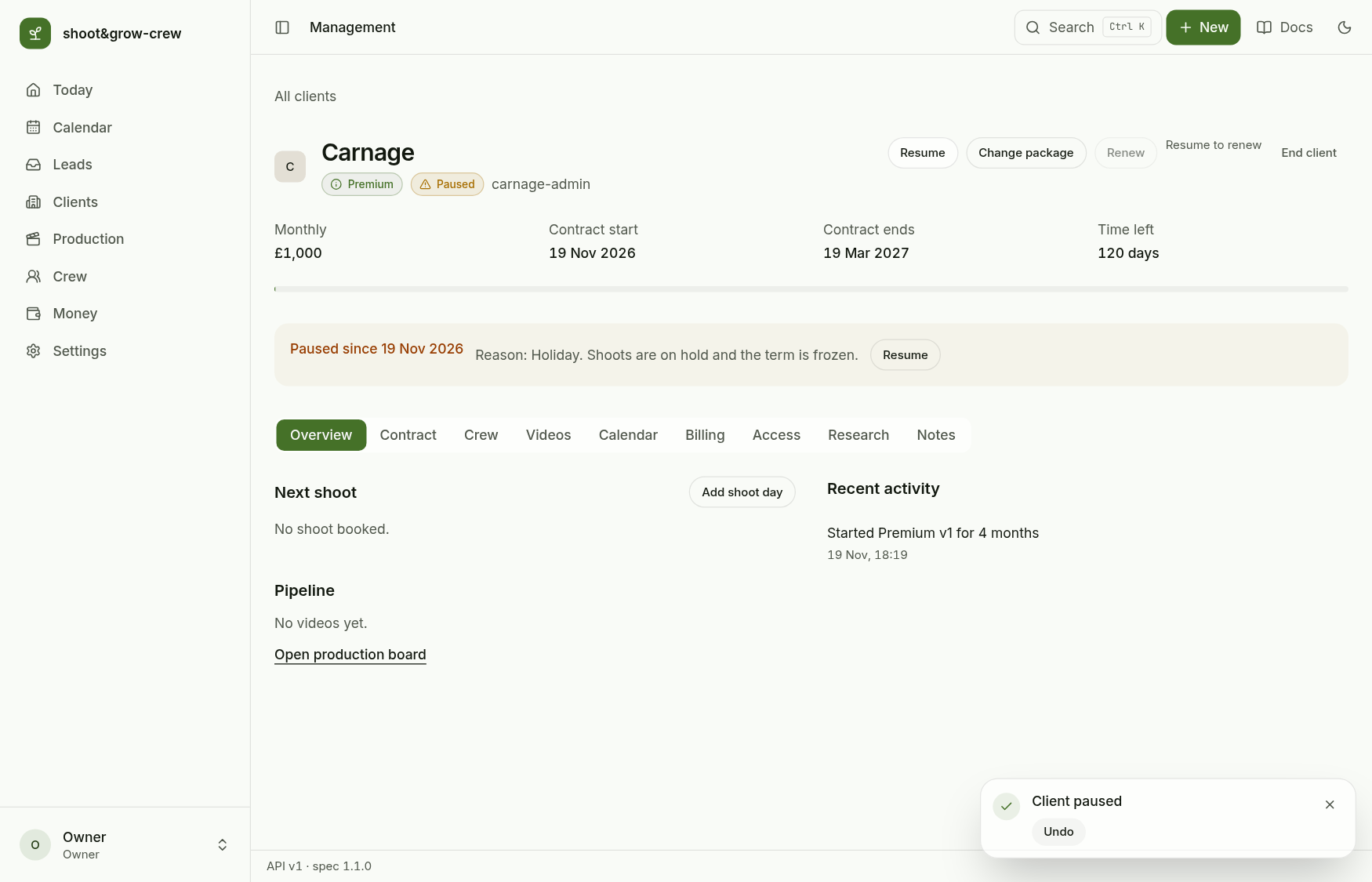
Resume is on the header and on the banner.
Change package
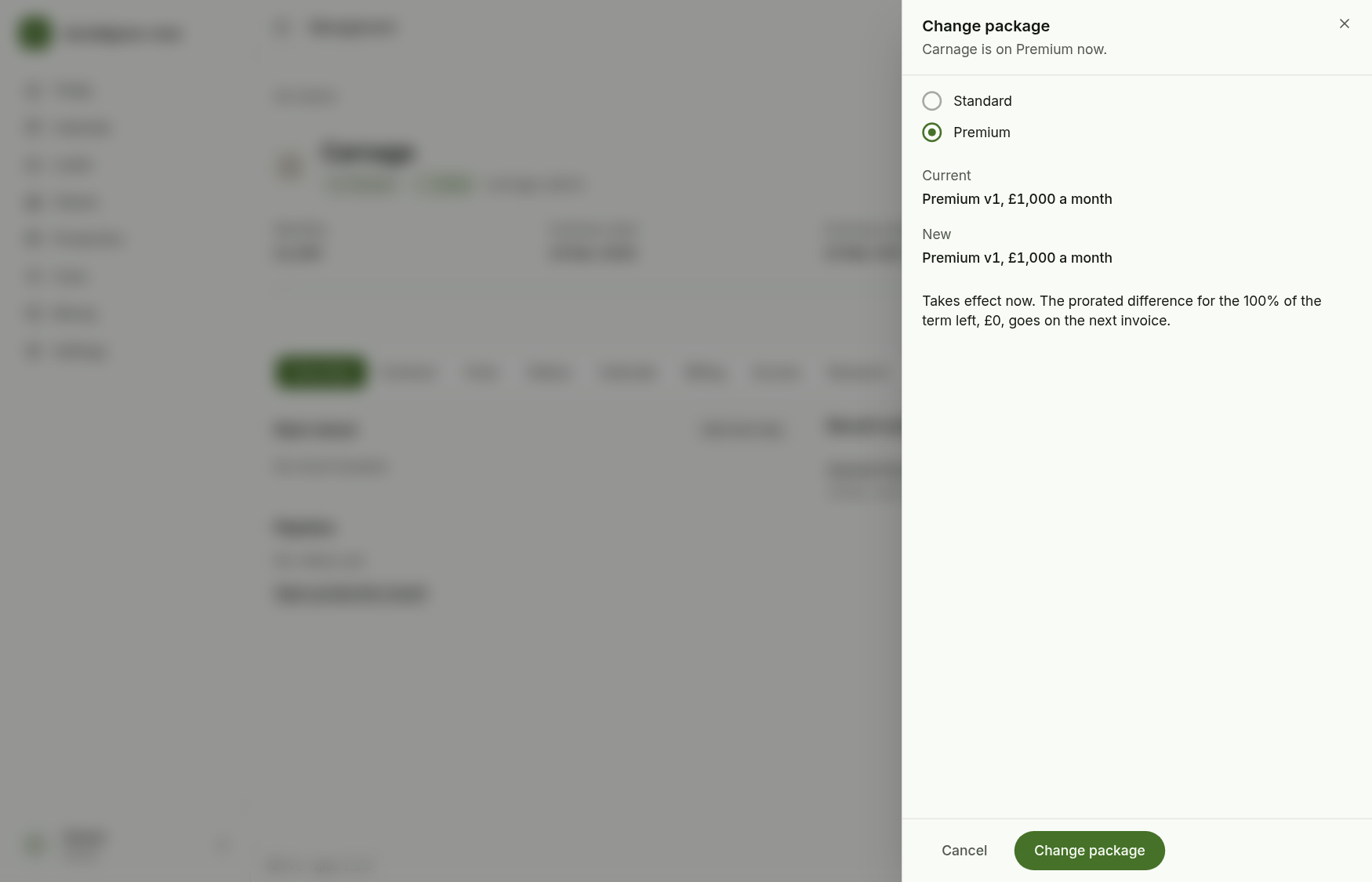
Change package shows the current and the new package and what will happen. An upgrade takes effect now and the prorated difference goes on the next invoice (there is no undo for that charge). A downgrade is scheduled for renewal, because moving to Standard removes the crew seats.
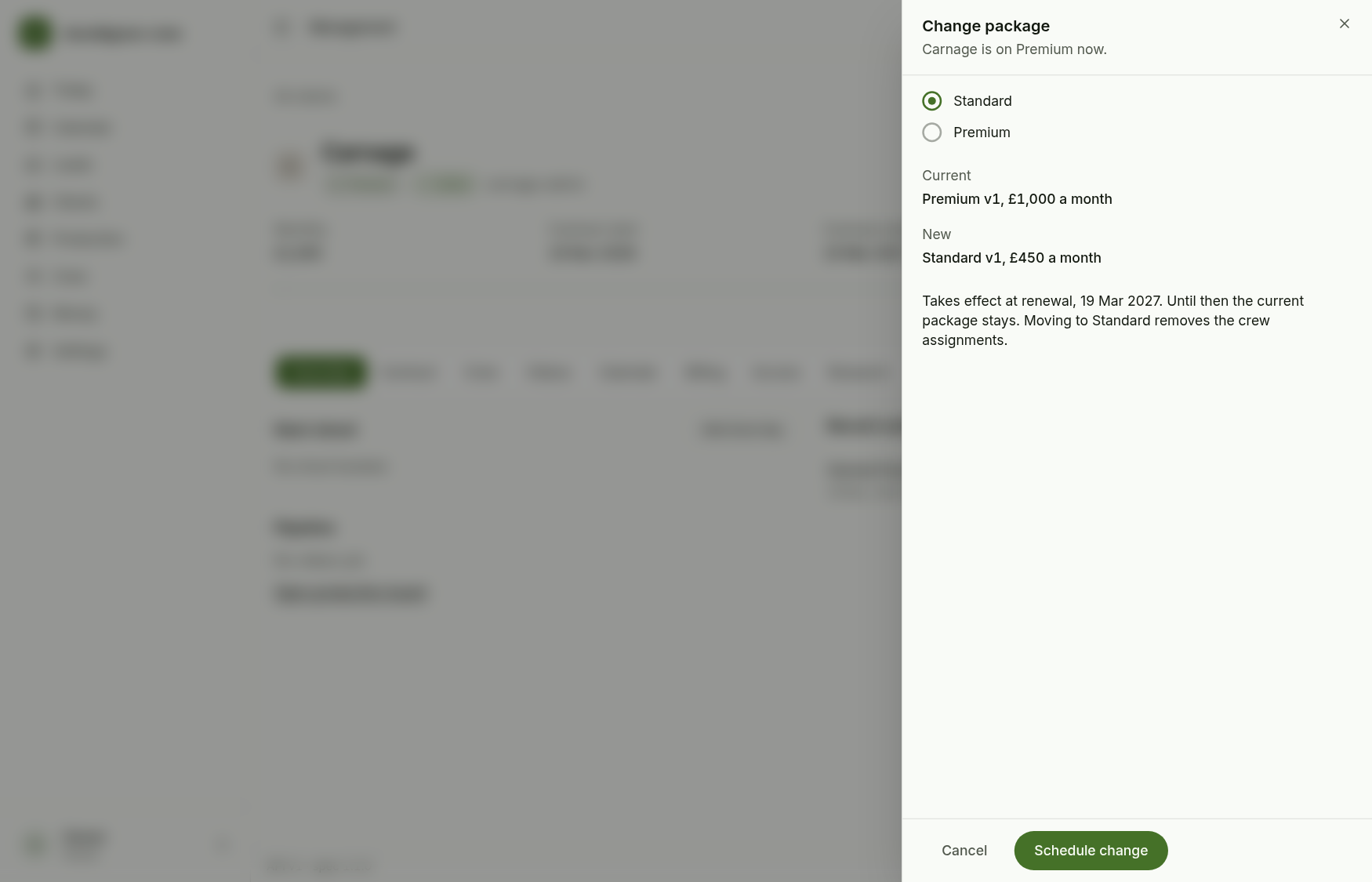
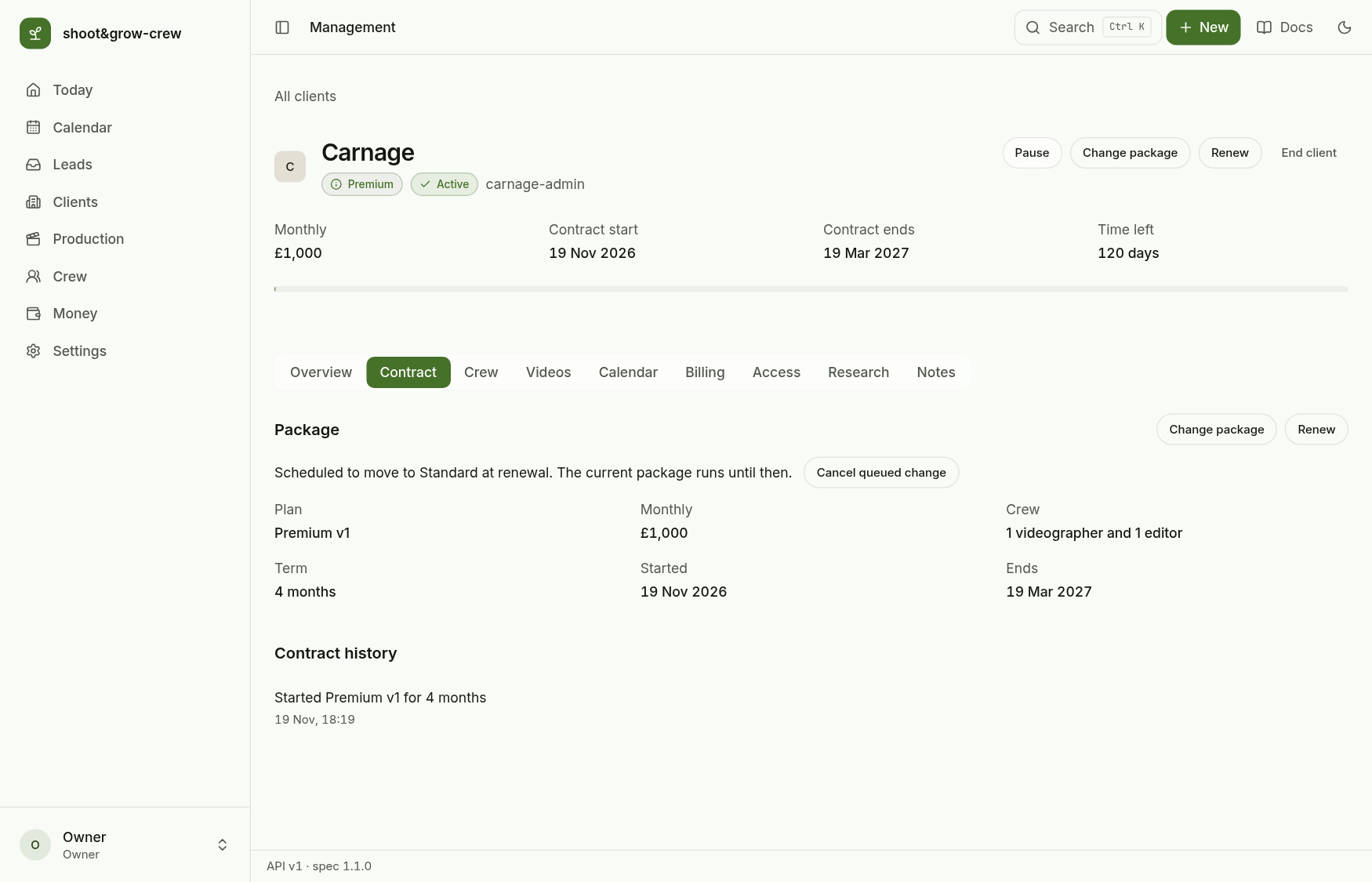
A scheduled change shows on the Contract tab and can be withdrawn with Cancel queued change.
Renew
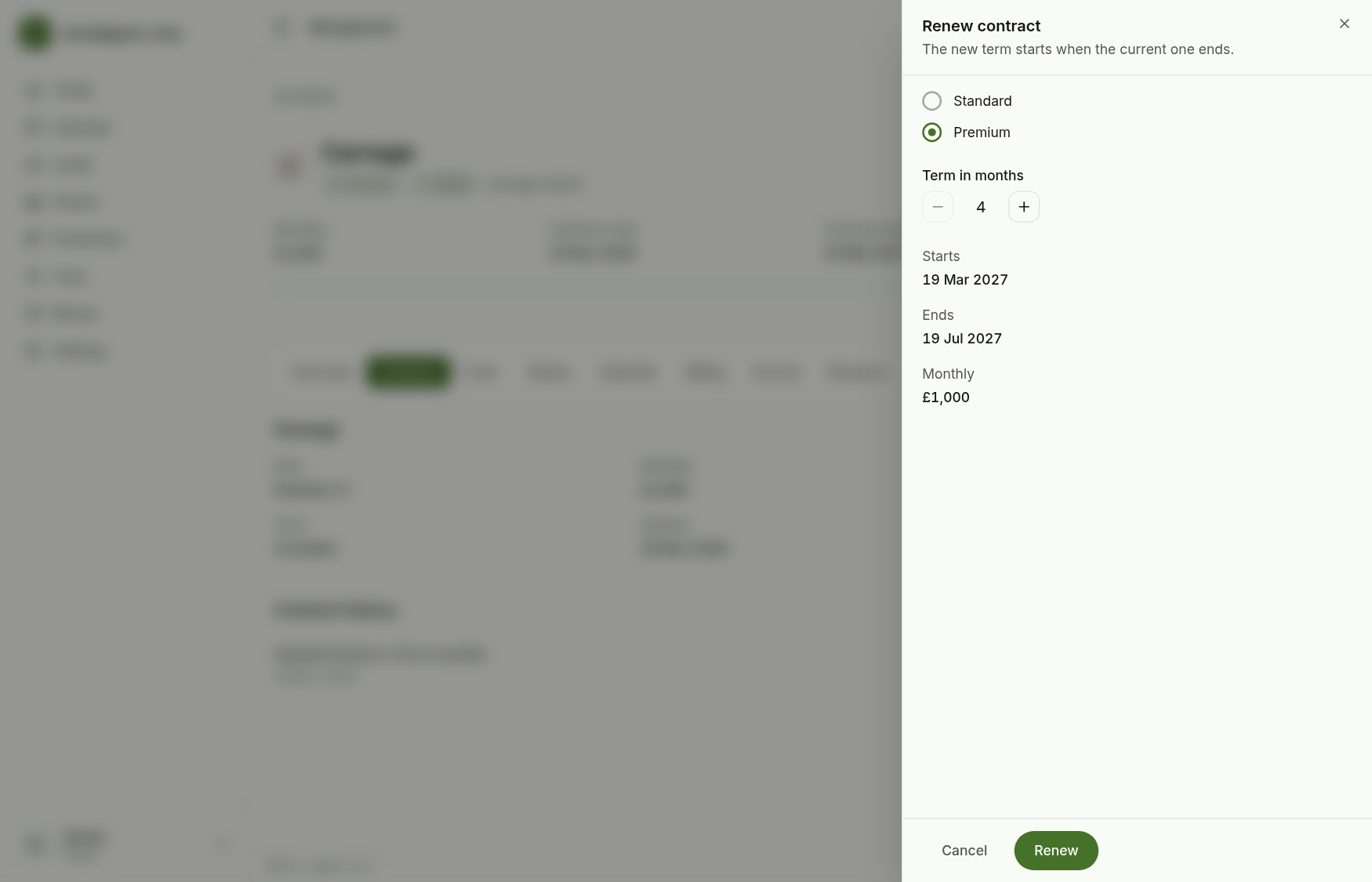
Renew starts the next term when the current one ends (or today, if it has already ended). Choose the package and the months (at least the package minimum). If the new package has fewer seats than the client has filled, the sheet lists the people who will be removed and asks you to confirm.
End and reactivate
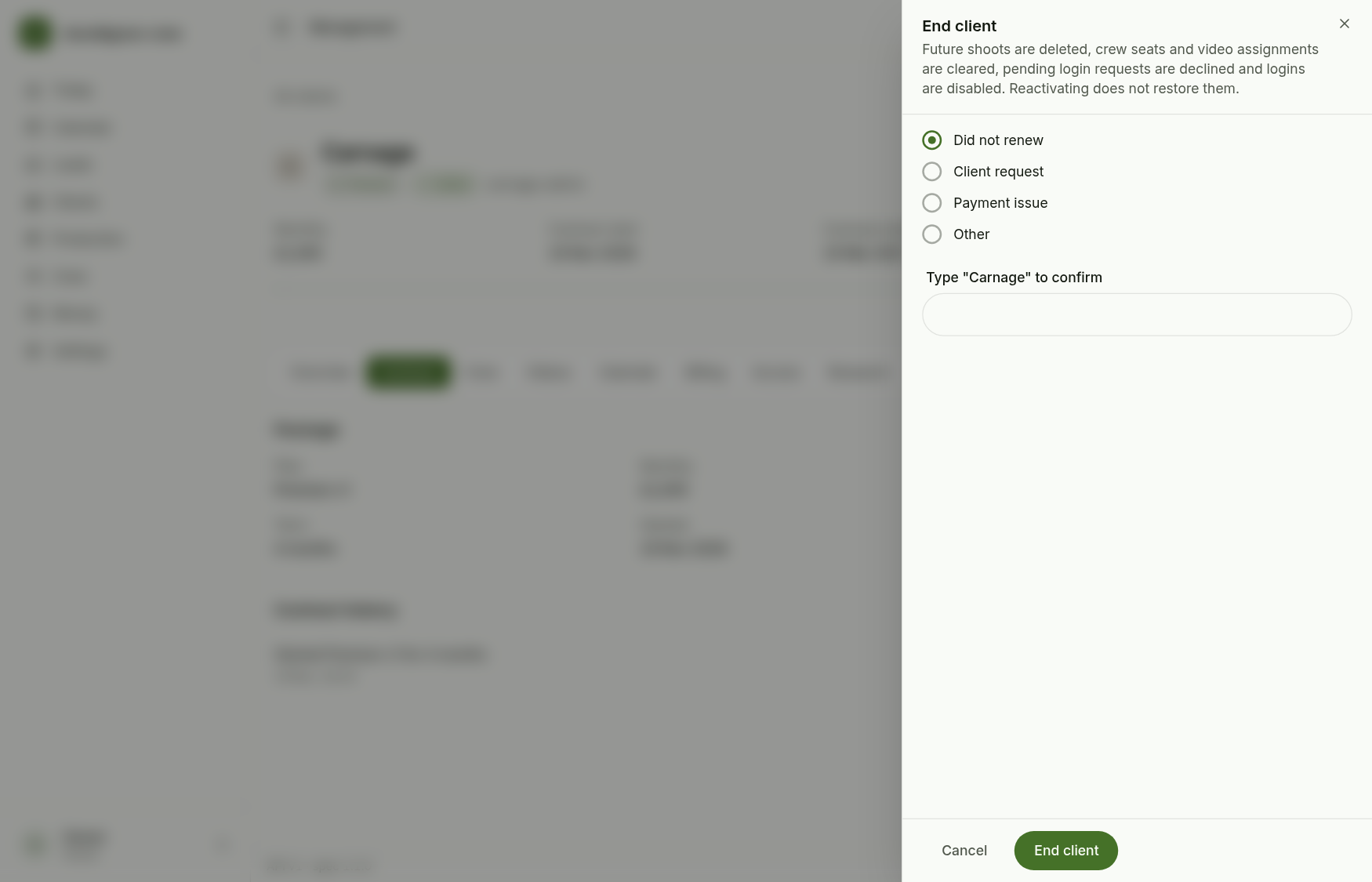
End client asks for a reason and for the client's name typed in. Ending deletes future shoots, clears crew seats and video assignments, declines pending login requests and disables the logins. It is logged on the client.
An ended client is read-only, with a banner and Reactivate.
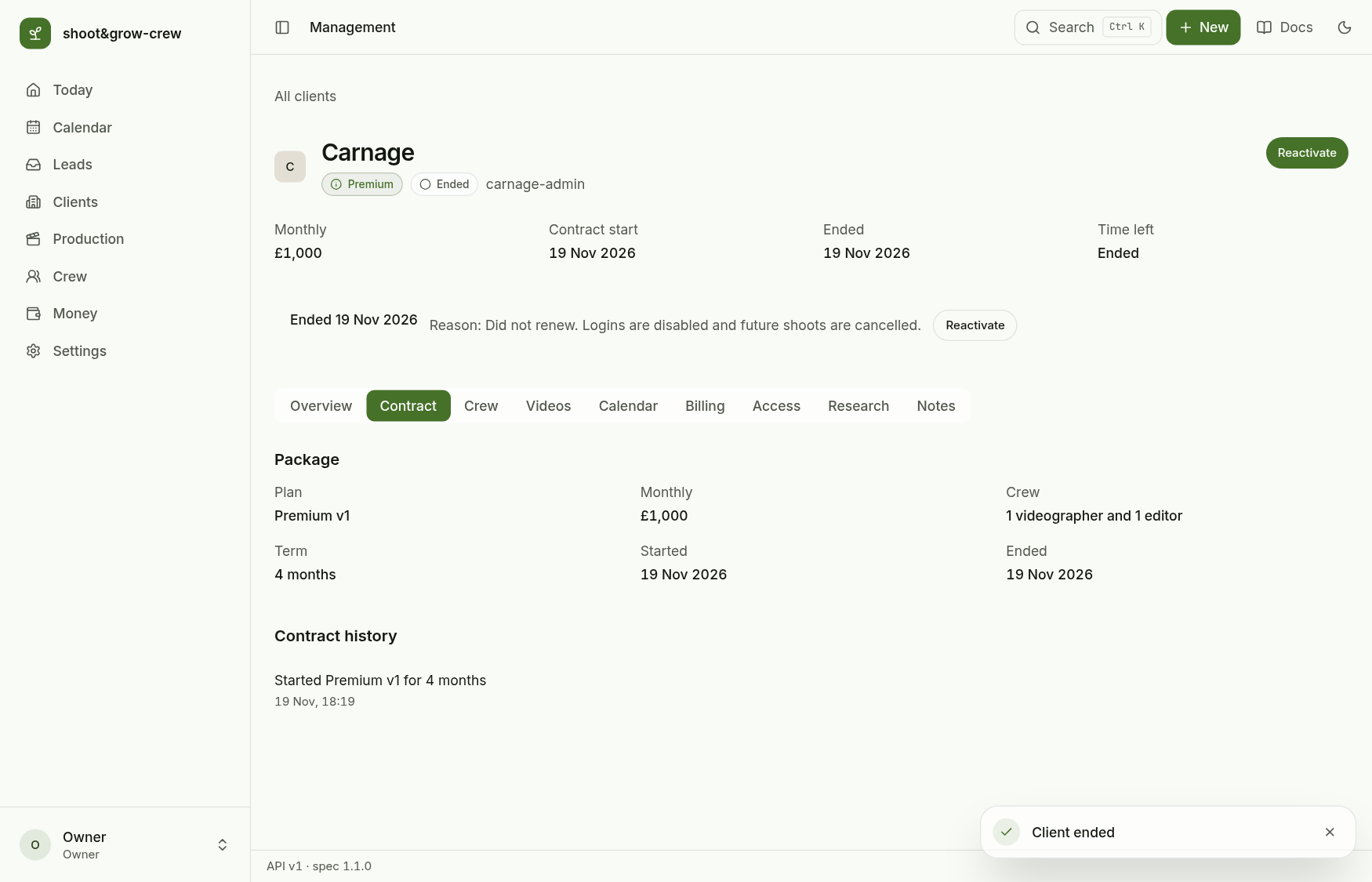
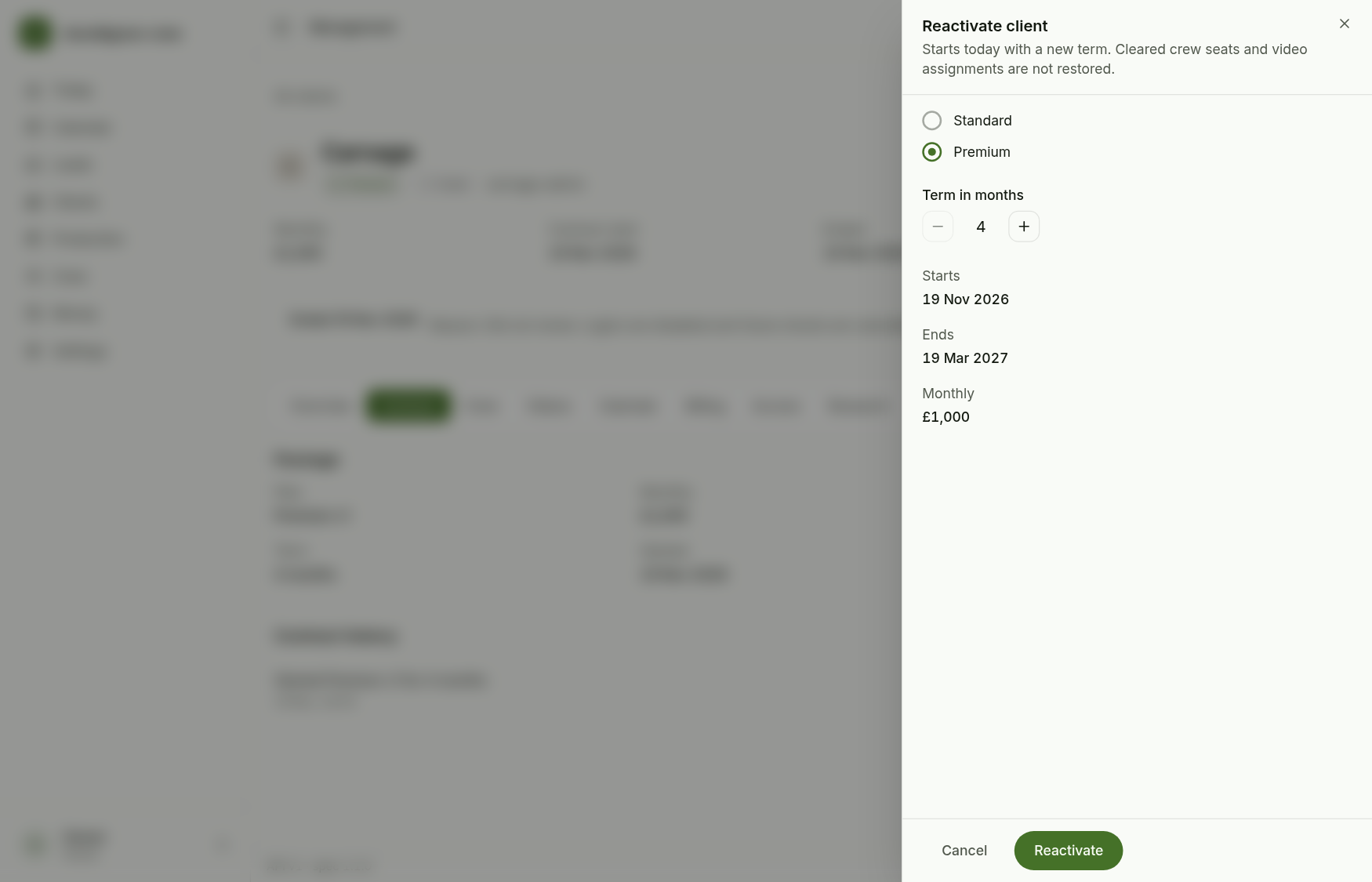
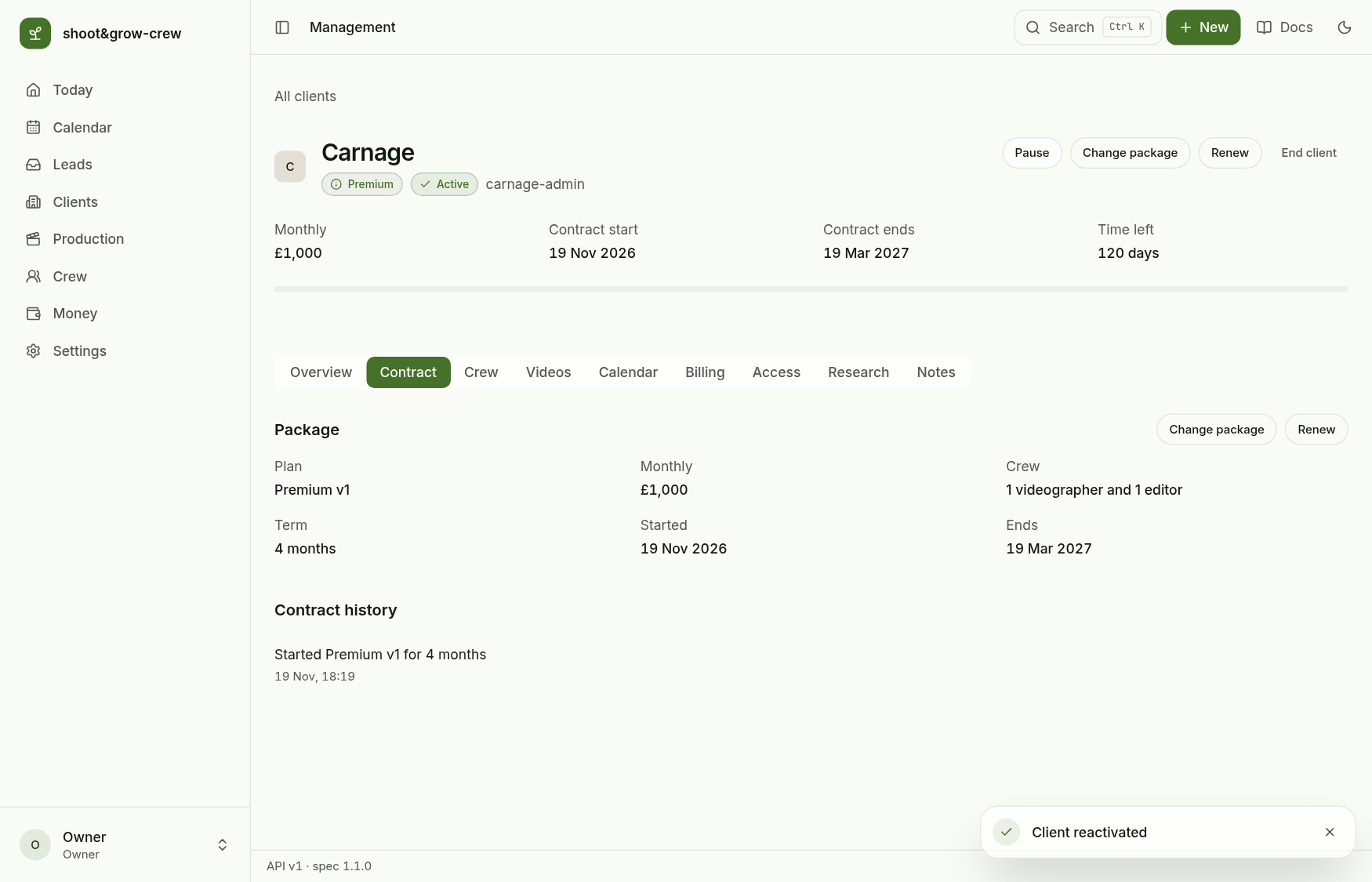
Reactivate starts a fresh term from today on the package you choose. Seats, shoots and logins are not restored: assign crew again and add logins on the Access tab.